13
Fig.18
5- Wait until indicator light “F” is OFF and
an “end” message appears on the display
(Fig.19). Open the door and remove
clean dishes basket.
Fig.19
- If during this process door is opened, the
washing cycle is interrupted until door is
closed. To continue and finish washing
cycle you must close the door.
WARNING!
THE APPLIANCE WILL NOT REMOVE
BURNT FOOD DEPOSITS FROM
DISHES. DISHES WITH BURNT ON FOOD
DEPOSITS SHOULD BE MECHANICALLY/
CHEMICALLY CLEANED.
FOR EXAMPLE, PRE-WASH UNDER
RUNNING WATER BEFORE PUTTING
THEM IN THE DISHWASHER.
DO NOT USE “FOAMING” DETERGENTS
OR USE DETERGENTS IN A WAY
OTHER THAN PRESCRIBED BY THE
MANUFACTURER.
3C3– AUTOMATIC CYCLE (hood type
machines only)
It is possible to carry out an automatic
washing cycle by simply closing the door of
the machine.
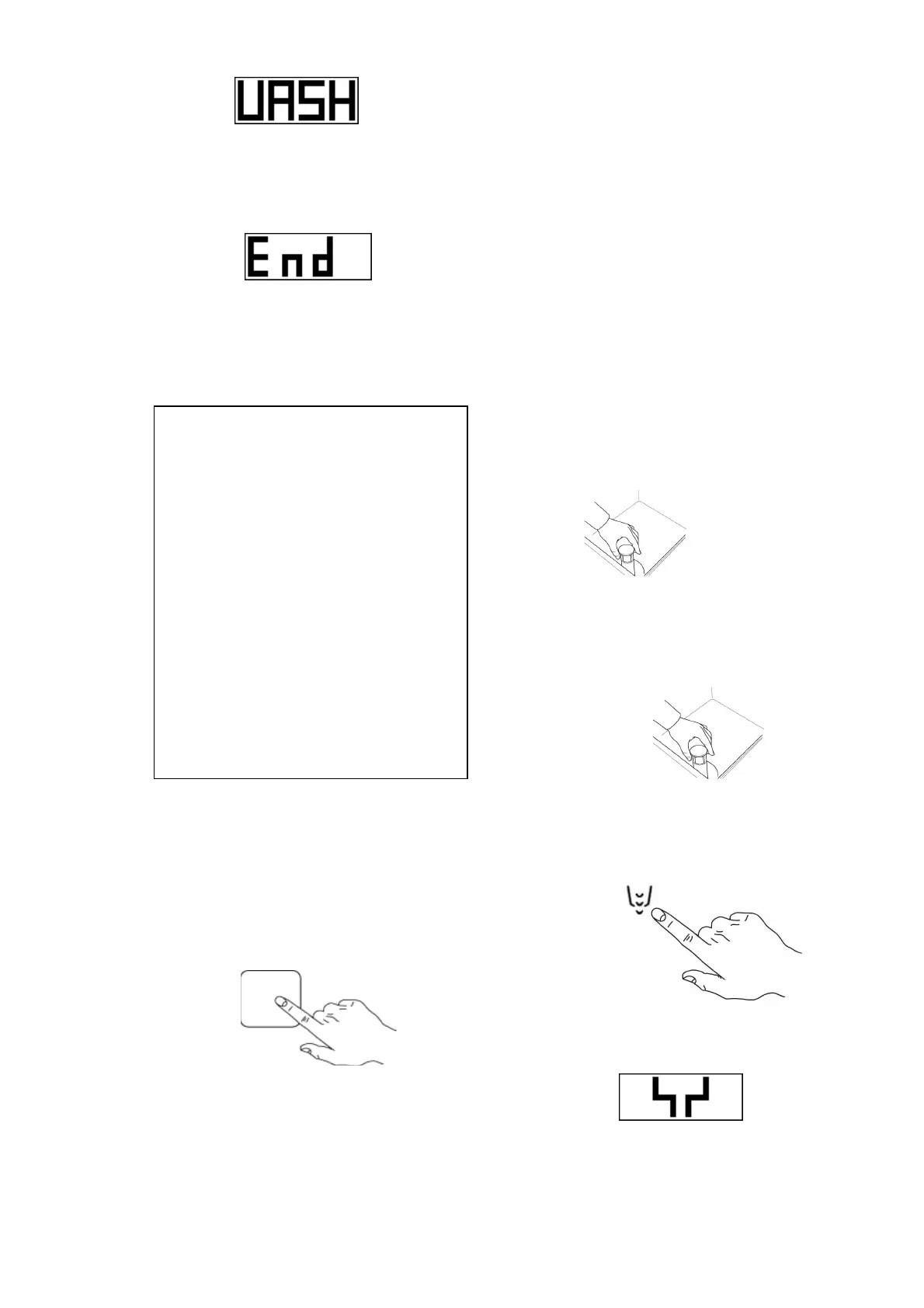
1- Press the "E" key to select the wash
cycle. (Fig. 20)
E
Fig.20
2- Close the door. The washing cycle will
start automatically.
- The first cycle must be started by
pressing the button of the washing
cycle. All other cycles will be automatic.
3D – DAILY CLEANING / END OF
WORK DAY
Cleaning and user maintenance must not be
performed by children without supervision.
In order to have excellent washing results and
a clean tank, it is recommended to change
the water in the machine at least twice a day
and clean all the filters inside the tank.
Filters must be removed only once all the
water has been drained from the machine.
3D1 – WATER DRAIN WITHOUT DRAIN
PUMP INCLUDED
1- Turn OFF the machine by pressing button
“A” On/Off.
2- Open the door and remove the water flow
device and close the door. (Fig.21)
Fig.21
3D2 – WATER DRAIN WITH DRAIN PUMP
INCLUDED
1- Open the door and remove the water flow
device and close the door. (Fig.22)
Fig.22
2- Press button “B” to start drain out the
water and wait until all the water is
completely drained out from the tank.
(Fig.23)
B
Fig.23
3- The water drain message will appear on the
display during the process. (Fig.24)
Fig.24
4- Turn OFF the machine by pressing button
“A” On/Off.


 To Next Page