14
8. Time Shows current time.
9. Close Close the viewer and return to main menu.
10. Next Skip to the next file
11. Screen
shows images
(If you touch the screen it changes in full screen, and it returns to
default screen once you touch again)
12. Main Menu Return to main menu.
13. Play List Page Change play list page.
14. Progress Bar Shows the process time of the current playing file.
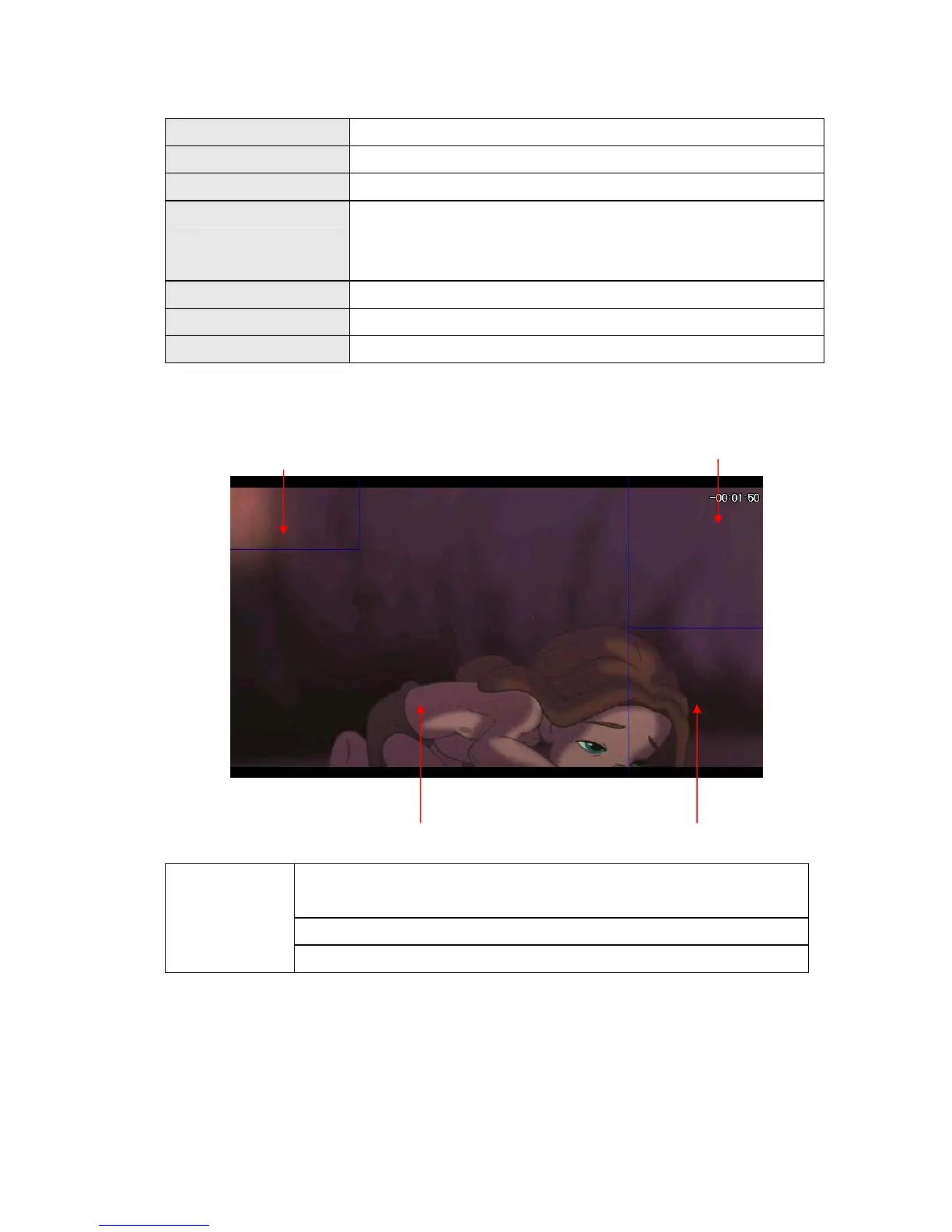
Full Screen
In full screen, there are unseen buttons as below.
3) Available File Formats
Video Files (AVI,DIVX), MPEG4 Files(MP4,M4A),
MPEG Movie Files (MPEG,MPG,MPV,DTA)
MPEG Audio Files(MP1,MP2,MP3,MPA), Matroska Files (MKV, MKA)
Available
Formats
Ogg Vorbis Files (OGG, OGM)
* Note
Because of codec licensing some files may not play.
4) How to get the best from the Movie Player
In case of files using codec (avi, mpg, etc) we recommend you to convert the movie
files into their optimal format as below.
Volume UP
Mute
Volume Down
Return to default screen


 To Next Page