- 6 -
SMART CROWN OPERATIONS
Turn the crown
to navigate through the main menus.
-
Press the crown
to select an app.
-
Press twice
manually move the hands to 9:15 from any screen.
-
Press once
to enable night mode
from standby screen.
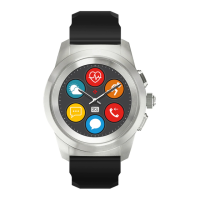
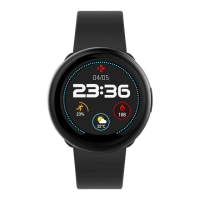
ZeTime is equipped with a smart crown to enhance the navigation
experience in the watch menus. It can be used from many
dierent screens to select, navigate or adjust some
settings. Pressing the crown will validate your selection.









 To Next Page