- 17 -
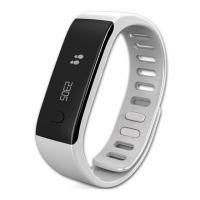
I BRIGHTNESS
Tap the touch key to set the brightness
I WATCH INFO
To quit the Settings menu, access to the exit door interface and long press the touch key.
i
19.SETTINGS
Several applications can be found in this menu:
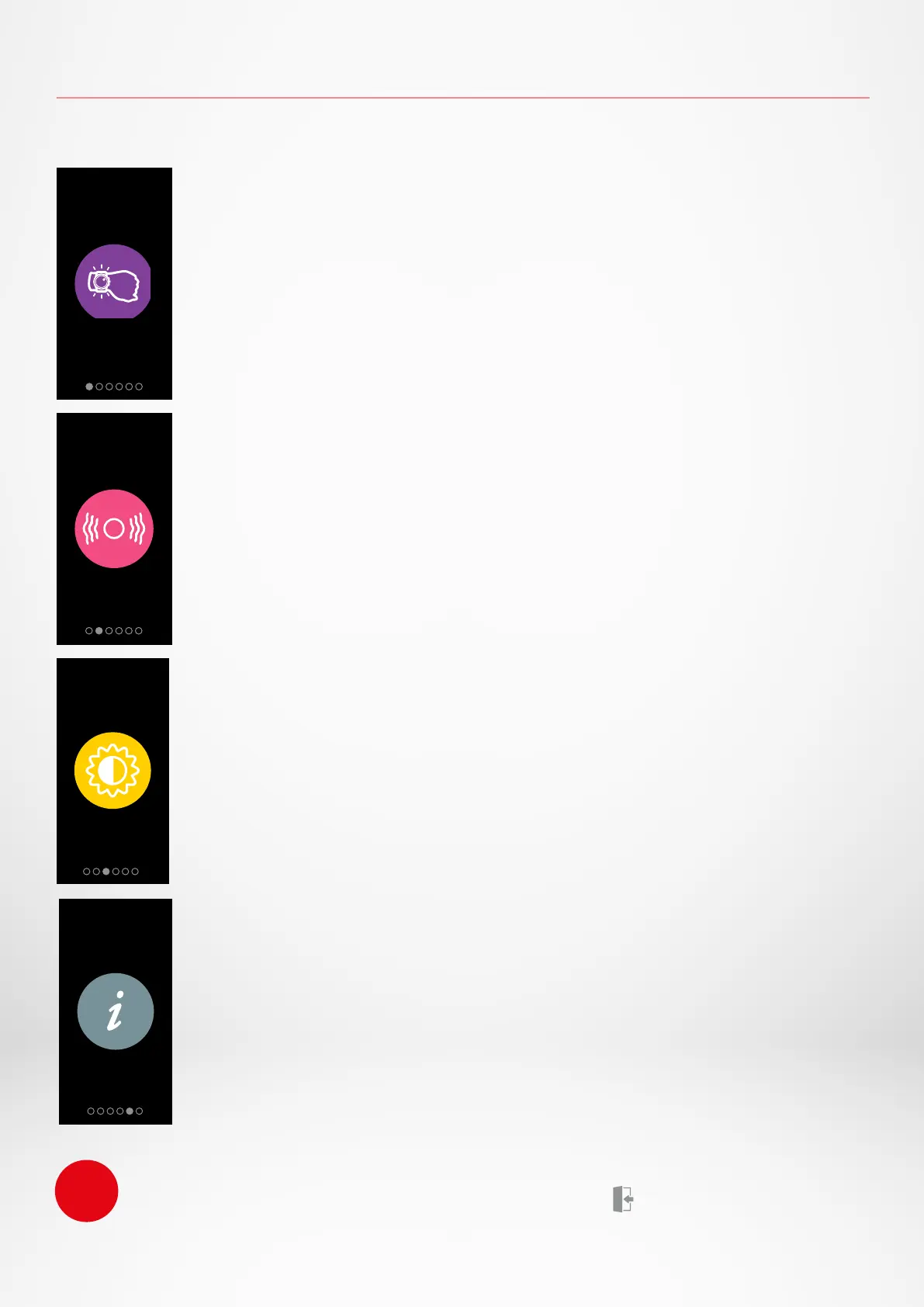
I WRIST FLICK
The wrist flick mode will enable you to light-up your screen by simply
lifting your wrist towards your face. By default this feature is disabled in
order to save battery
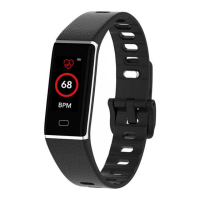
I VIBRATION
Tap the touch key to set the vibration ON or OFF


 To Next Page