
 Need help?
Do you have a question about the Nacon Asymmetric Wireless Controller and is the answer not in the manual?
Lists the items included in the product package: wireless controller, USB receiver, charging cable, and quick guide.
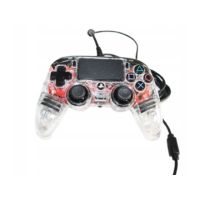
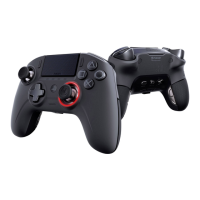
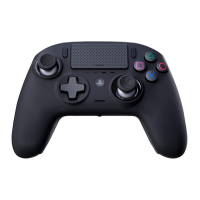
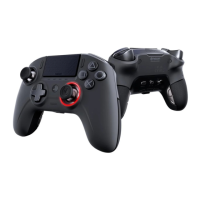
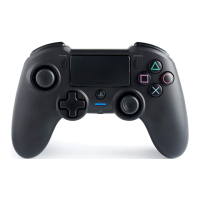
Details the face buttons, directional pad, analog sticks, and touchpad.
Describes the L1, L2, R1, and R2 shoulder buttons and analog triggers.
Covers the PS, Share, Options, and Sync buttons for system interaction.
Explains the Micro USB port, headset jack, LED indicators, and reset button.
Details the USB Bluetooth receiver for wireless connectivity.
Explains how to check battery level using the LED bar and indicator button.
Provides safety guidelines regarding exposure to elements, liquids, and extreme conditions.
Advises on safe handling, avoiding damage, and keeping the device away from children.
 General
| Device type | Gamepad |
|---|---|
| Built-in touchpad | Yes |
| Programmable buttons | No |
| Gaming control technology | Analogue / Digital |
| Gaming platforms supported | PlayStation 4 |
| Gaming control function buttons | Directional buttons, Options button, Reset button, Share button |
| Cables included | USB Type-A to Micro USB-B |
| Wireless range | 7 m |
| Frequency range | 2.402 - 2.48 GHz |
| Device interface | Bluetooth |
| USB connector type | Micro-USB B |
| Connectivity technology | Wired & Wireless |
| Cable length | 0.8 m |
| Product color | Black |
| Battery type | Built-in |
| Power source | Battery |
| Battery capacity | 1200 mAh |
| Battery life (max) | 7 h |


 To Next Page