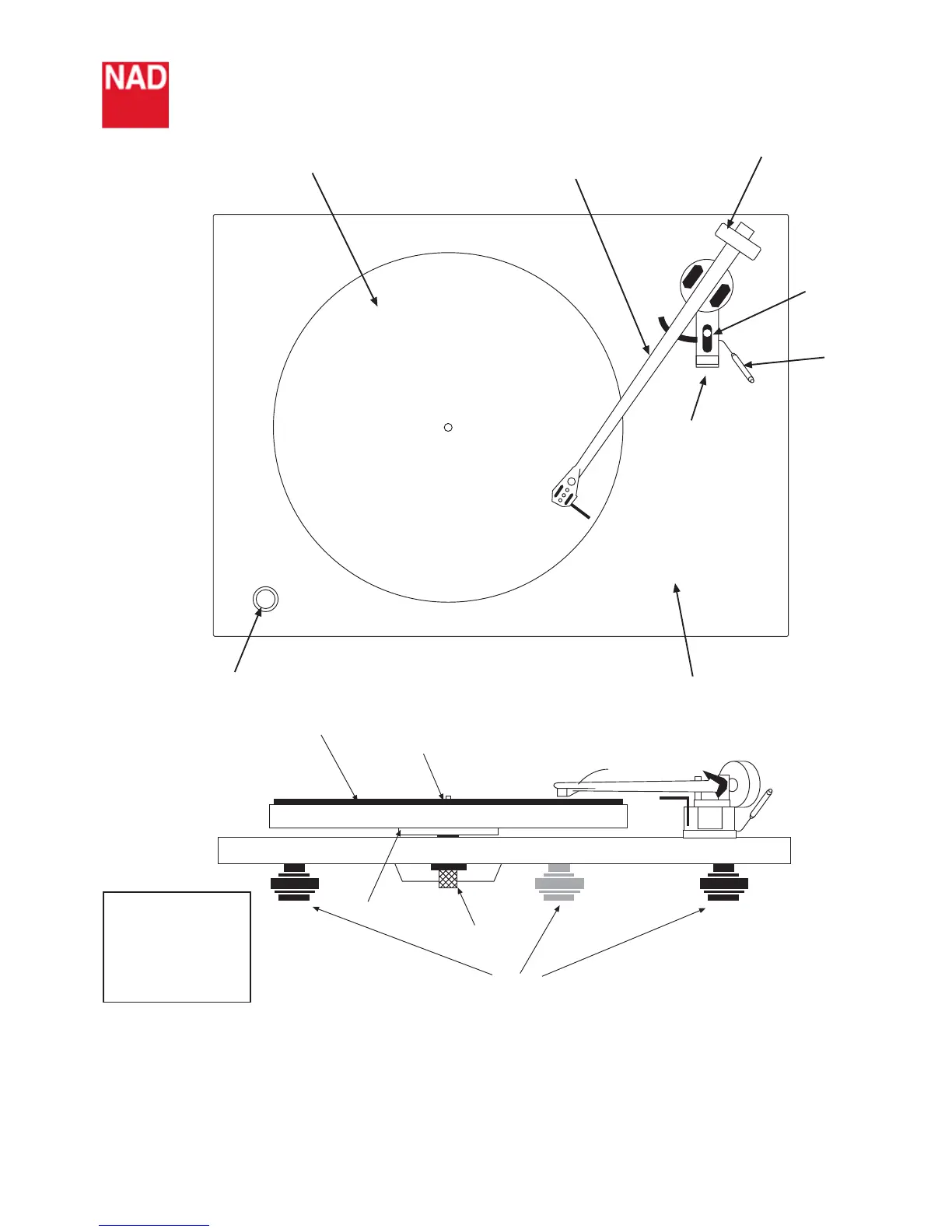
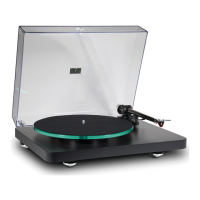
Platter
Tonearm
Counterweight
Bias
adjustment
Lift/lower
mechanism
Arm clip
Plinth
On/off switch
Mat
Spindle
Anti-vibration feet
Sub platter
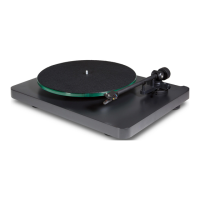
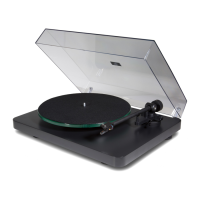
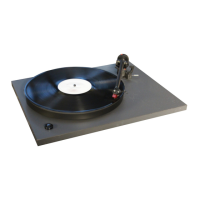
The NAD 533 Turntable
Setting up the cartridge
With the cartridge fitted using the alignment protractor supplied and the wiring chart (shown left), next set the
tracking force and thrust bias. First, slide off the plastic protection shroud from the cartridge... Carefully
Unclip the arm from its holder and make sure that the bias adjuster is set to zero, use the balance weight to ‘float’
the stylus about 1mm clear of a record, then dial inwards with the weight, (1 complete turn = 2g) until the cartridge’s
tracking weight is achieved. Finally, set the bias adjuster to the same setting.
Arm Wiring
Blue = LH earth
Green = RH earth
Red = RH signal
White = LH signal


 To Next Page