EasyManua.ls Logo

NAD C270 - User Manual

NAD C270
32 pages
Print Icon
To Next Page IconTo Next Page
Loading...
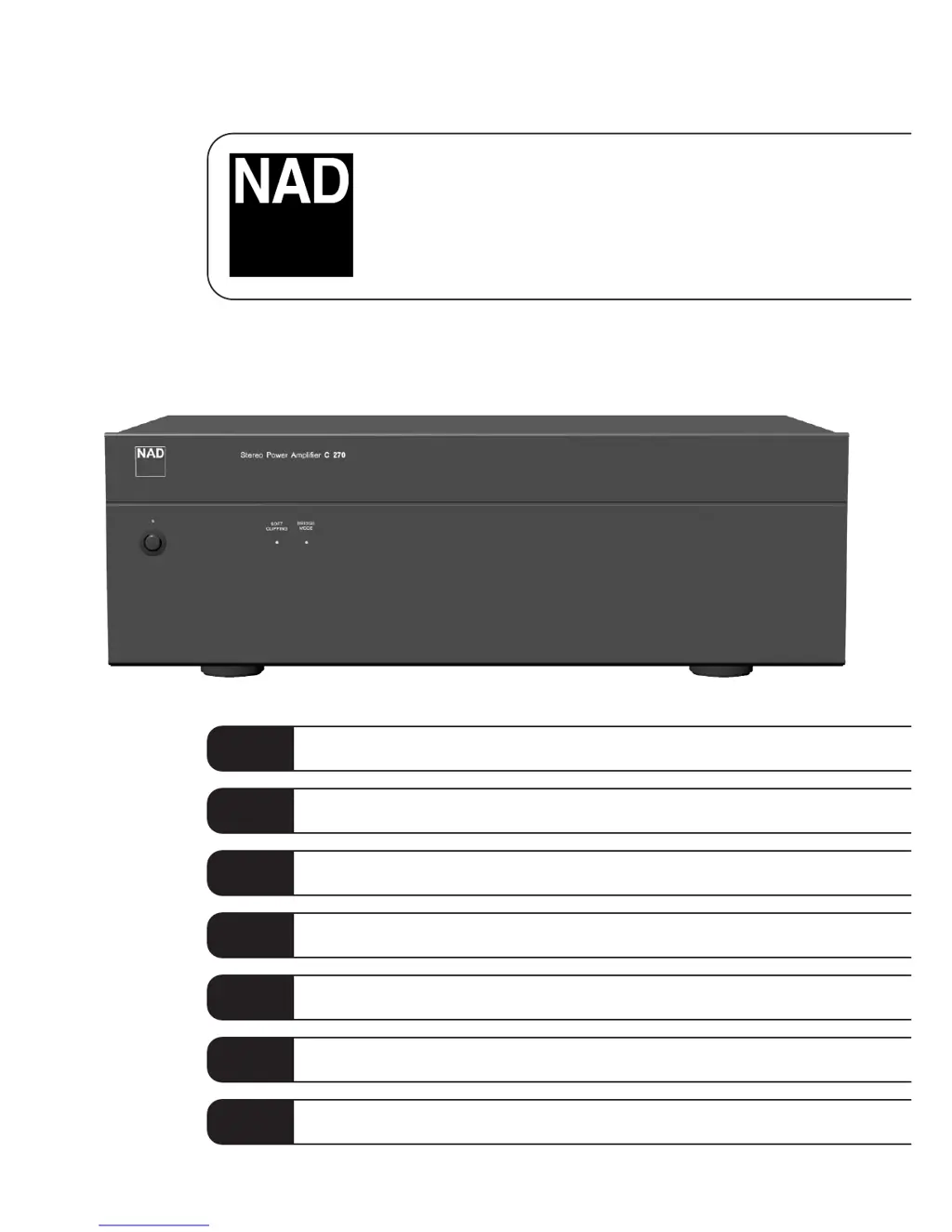
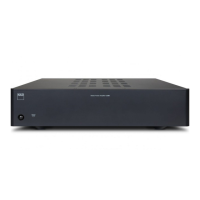
C270
Stereo Power Amplifier
Owner’s Manual
GB
Manuel d’Installation
F
Bedienungsanleitung
D
Manual del Usuario
E
Manuale delle Istruzioni
I
Manual do Proprietário
P
Bruksanvisning
S

Questions and Answers

  • O
    Oscar CardenasJul 26, 2025
    Why is there no sound coming from my NAD C270?
    • T
      tinakellyJul 26, 2025
      If your NAD Amplifier isn't producing any sound, there are a few things to check: * Ensure the AC power cord is properly plugged in and the power is switched on. * Verify that the Input Select switch is set to the correct active input. * Make sure the Input Level Control isn't turned down too low.
  • A
    Aaron CastanedaJul 31, 2025
    What to do if the POWER/PROTECTION indicator turns red during operation of NAD Amplifier?
    • B
      bbraunJul 31, 2025
      If the POWER/PROTECTION indicator on your NAD Amplifier turns red during operation: * Turn the amplifier off immediately. * Check that the ventilation slots on the top and bottom are not blocked, as the amplifier may have overheated. Allow it to cool down before turning it back on. * Also, ensure that the overall impedance of your loudspeakers isn’t below 4 ohms. * Inspect the loudspeaker cables for short circuits.
  • M
    melissa76Aug 7, 2025
    How to fix no sound in one channel of my NAD C270?
    • J
      Jacob ParksAug 7, 2025
      If you're experiencing sound from only one channel of your NAD Amplifier, try these steps: * Ensure that the Balance control is centered. * Check the speaker connections to ensure they are properly connected and not damaged. Also, inspect the speakers themselves for any damage. * Verify that the input leads are securely connected and not damaged.
  • K
    Kayla JohnsonAug 12, 2025
    What to do if the POWER/PROTECTION LED stays red upon turning power on NAD C270?
    • A
      Amy GreerAug 12, 2025
      If the POWER/PROTECTION LED remains red when you turn on your NAD Amplifier, it indicates a potential short-circuit in the loudspeaker cabling. To resolve this: * Turn off the amplifier. * Carefully inspect the loudspeaker cable connections for both speakers at the amplifier's back panel and at the loudspeakers themselves. * After checking the connections, turn the amplifier back on.
  • M
    mcclureericAug 19, 2025
    Why does my NAD C270 Amplifier have weak bass or a diffuse stereo image?
    • N
      Natalie RogersSep 12, 2025
      If your NAD Amplifier has weak bass or a diffuse stereo image, consider the following: * Check the speaker connections to ensure that the speakers are not wired out of phase. Inspect all speaker connections in the system. * If Bridge Mode is engaged, disengage it if your speakers are connected normally.

Summary

Important Safety Instructions

General Safety Warnings

Covers shock, fire, moisture, placement, ventilation, heat, power cord, cleaning, liquids, and self-servicing warnings.

Electrical Safety Precautions

Includes warnings about plug insertion, indoor antennas, power lines, and general electrical safety.

Antenna Grounding Guidelines

Provides detailed instructions for grounding outdoor antenna systems according to the National Electrical Code.

Rear Panel Connections

Fixed Input Connections

Explains the 'Fixed In' inputs for connecting a pre-amplifier or processor to the power amplifier.

Input Select Switch

Describes the switch that determines which input source ('Fixed In' or 'Variable In') is active.

Variable Input Connections

Details the 'Variable In' inputs and their use for level matching, extended volume control, and bi-amping.

Input Level Control

Explains the control for adjusting the volume level when using the 'Variable In' inputs.

Speaker Connections (A & B)

Guides on connecting speakers to the 'Speakers A' and 'Speakers B' terminals for main or additional speakers.

Bridge Mode Configuration

Details how to set up the amplifier for mono operation (Bridge Mode) to double its output power.

Soft Clipping Feature

Explains the Soft Clipping™ circuit that minimizes audible distortion when the amplifier is overdriven.

12 V Trigger Auto On-Off

Describes the 12V trigger input function for remote switching of the amplifier's power state.

12 V Trigger Input Details

Provides specific information on connecting external components to the 12V trigger input for remote control.

AC Line Cord Connection

Instructions for connecting the AC power cord to the unit and a wall socket.

Front Panel Controls

Power On;Off Operation

Explains how to turn the amplifier on or off using the front panel button or the 12V trigger input.

Stand-by;Protection Indicator

Describes the indicator light for normal operation, standby mode, and protection circuit engagement.

Soft Clipping Indicator

Explains the indicator light that shows when the Soft Clipping™ mode is engaged.

Bridge Mode Indicator

Details the indicator light that illuminates when the amplifier is set to Bridge Mode.

Troubleshooting Guide

No Sound Issues

Addresses causes and solutions for complete lack of sound or sound in only one channel.

Audio Quality Problems

Covers issues like weak bass, diffuse sound, or no stereo image, and their resolutions.

Protection Indicator Errors

Explains when the power/protection LED stays red upon turning on or turns red during operation.

NAD C270 Specifications

General IconGeneral
Total Harmonic Distortion<0.03%
Signal to Noise Ratio>100dB
Damping Factor>100
Frequency Response20Hz - 20kHz
Input Impedance20 kOhms

Related product manuals