EasyManua.ls Logo

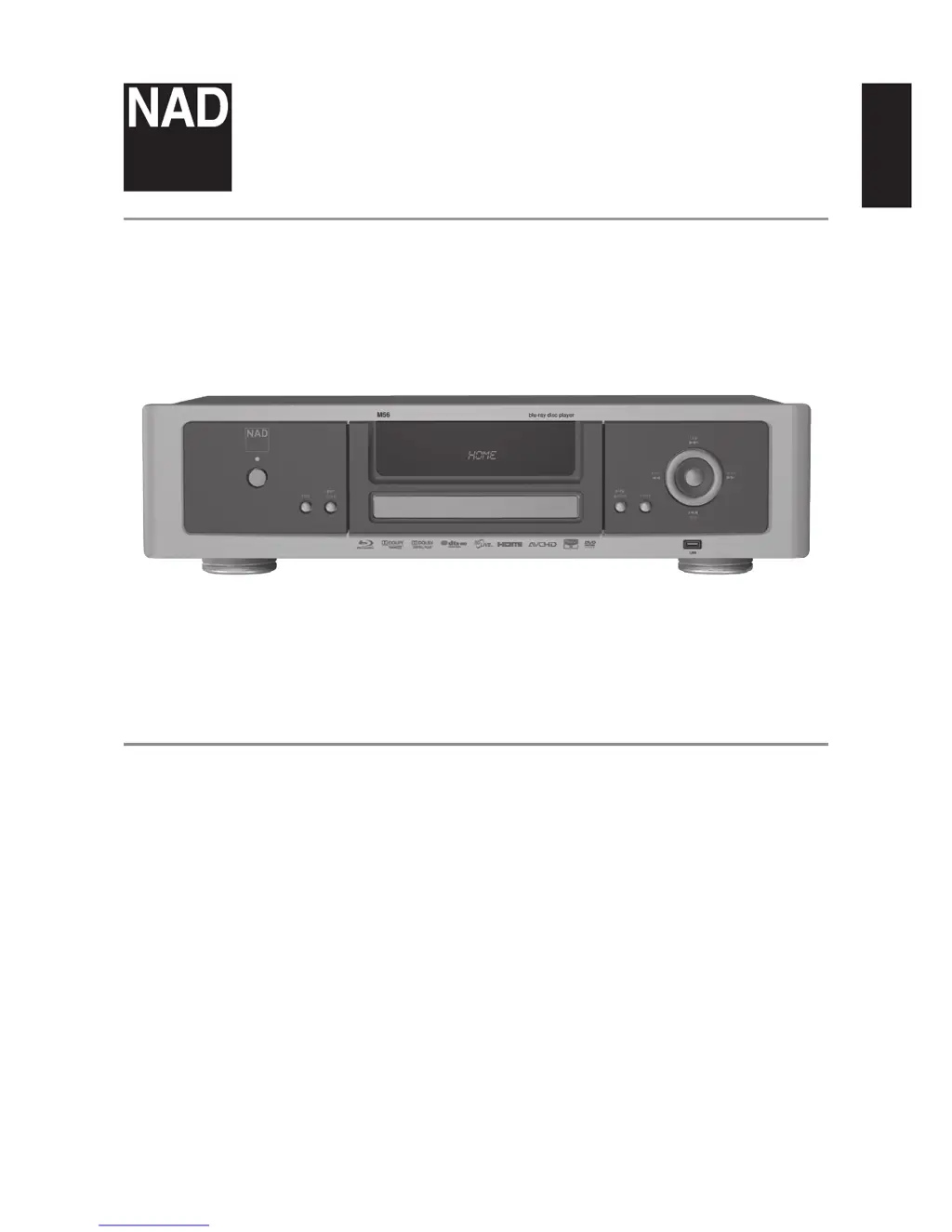
NAD M56 - User Manual

NAD M56
30 pages
Print Icon
To Next Page IconTo Next Page
Loading...
ENGLISHFRANÇAISESPAÑOLITALIANODEUTSCHNEDERLANDSSVENSKAРУССКИЙ
®
Owners Manual
M56
Blu-ray Disc™ Player

Other manuals for NAD M56

Questions and Answers

  • A
    Ashley RobertsAug 10, 2025
    Why is there no picture on my NAD M56?
    • D
      David HaleAug 10, 2025
      If there is no picture on your NAD Blu-ray Player, several factors could be the cause. Ensure that your TV is set to receive the correct video input signal from the Blu-ray player. Also, verify that the video cable is securely connected. Finally, the resolution setting on the Blu-ray player might not be compatible with your TV's capabilities. Setting the Resolution according to your TV’s capability may solve the problem. Check your TV capability.
  • J
    Jonathan WangAug 16, 2025
    What to do if my NAD Blu-ray Player does not start playback?
    • M
      molly30Aug 16, 2025
      If your NAD Blu-ray Player isn't starting playback, it could be due to a couple of reasons. First, make sure you've inserted a playable disc, checking both the disc type and regional code. Alternatively, a rating level may be set. In this case, cancel the rating function or change the rating level.
  • M
    Margaret SmithAug 22, 2025
    Why BD-Live feature does not work on NAD Blu-ray Player?
    • C
      cheryl76Aug 22, 2025
      If the BD-Live feature isn't working on your NAD Blu-ray Player, the internet connection may not be established. Ensure that the M56 is connected to the local area network and can access the internet.
  • R
    rlongAug 28, 2025
    What to do if there is no sound from my NAD M56 Blu-ray Player?
    • D
      Daniel LynchAug 28, 2025
      If you're not getting any sound from your NAD Blu-ray Player, here are a few things to check: * Make sure that the equipment connected to the Blu-ray player is capable of detecting and decoding the audio signal. * Ensure that the equipment connected with the audio cable is turned on. * Verify that the audio output settings are correctly configured in the Audio Setup menu.
  • D
    David MillerSep 3, 2025
    How to fix NAD Blu-ray Player remote control that is not working?
    • R
      Ryan DoyleSep 3, 2025
      If the remote control for your NAD Blu-ray Player isn't working properly, consider these potential causes: 1. Bright sunlight or ambient light may be interfering with the M56 front panel. Reduce sunlight/room lighting. 2. An obstruction may be blocking the IR transmitter window on the remote or the IR receiver window on the Blu-ray player. Check IR windows and ensure a clear line-of-sight from the remote to the M56. 3. The remote control batteries may be dead. Replace the remote control batteries.

Summary

IMPORTANT SAFETY INSTRUCTIONS

Safety Precautions for Operation and Environment

Covers safe operation, handling, cleaning, electrical safety, grounding, lightning, and environmental exposure guidelines.

IMPORTANT SAFETY INSTRUCTIONS

Service, Installation, and Product Warnings

Details safety for service, installation, product warnings (laser), regulatory notices (FCC, Canada), and placement advice.

GETTING STARTED

Unpacking, Setup, and Quick Start

Guides users through unpacking, initial setup, and provides quick start instructions for playback.

INTRODUCTION

IDENTIFICATION OF CONTROLS

IDENTIFICATION OF CONTROLS

Rear Panel Connections and Inputs;Outputs

Details all input and output ports, including LAN, HDMI, and audio/video connectors on the rear.

IDENTIFICATION OF CONTROLS

Remote Control Functions and Buttons

Explains the function of each button on the M56 remote control for operating the device.

OPERATION

OPERATION

Video Resolution and Output Settings

Details how to adjust video output resolution for HDMI and Component Video, including related notes.

Audio Setup and Speaker Configuration

Covers audio output settings, sample frequency, DRC, and detailed speaker setup for optimal sound.

OPERATION

OPERATION

REFERENCE

REFERENCE

Troubleshooting and Disc Handling Guide

Offers solutions for common operational issues and provides guidance on handling and cleaning discs.

REFERENCE

NAD M56 Specifications

General IconGeneral
BrandNAD
ModelM56
CategoryBlu-ray Player
LanguageEnglish

Related product manuals