EasyManua.ls Logo

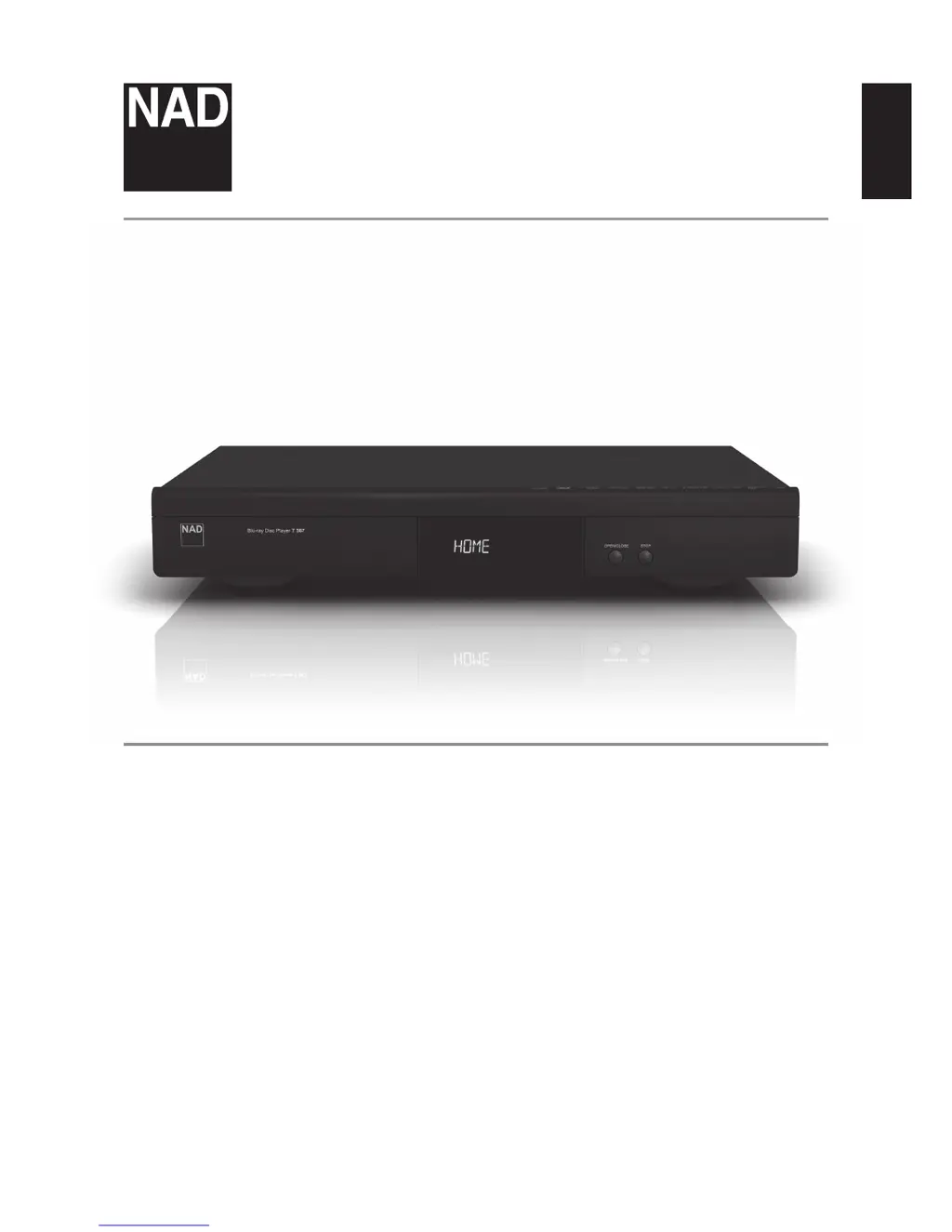
NAD T 567 - User Manual

NAD T 567
30 pages
Print Icon
To Next Page IconTo Next Page
Loading...
ENGLISHPORTUGUÊS FRANÇAISESPAÑOLITALIANODEUTSCHNEDERLANDSSVENSKAРУССКИЙ
®
Owners Manual
T 567
Blu-ray Disc Player

Questions and Answers

  • C
    cynthiakelleyAug 10, 2025
    Why is there no sound from my NAD T 567 Blu-ray Player?
    • L
      langmichaelAug 10, 2025
      If you're experiencing no sound from your NAD Blu-ray Player, the issue may be due to several reasons: * The connected equipment might not be capable of detecting or decoding the audio signal. In this case, connect the audio output of the Blu-ray Player to equipment with appropriate audio decoders. * The equipment connected with the audio cable might be turned off. Ensure that all connected equipment is powered on. * Incorrect audio output settings. Verify the audio output settings in the Audio Setup menu.
  • C
    Charles NelsonAug 15, 2025
    What to do if my NAD T 567 has no picture?
    • M
      Mr. Ruben FrancoAug 15, 2025
      If you are not getting a picture from your NAD Blu-ray Player, here are a few things to check: * Ensure your TV is set to the correct video input to receive the signal from the Blu-ray Player. Select the appropriate video input mode on the TV. * Verify that the video cable is securely connected. * Confirm there isn't a mismatched resolution setting between the Blu-ray Player and the TV. Check your TV's capabilities and set the resolution accordingly.
  • B
    Bryan HartmanAug 20, 2025
    Why is my NAD T 567 Blu-ray Player remote control not working?
    • S
      Sheri WheelerAug 20, 2025
      If the remote control for your NAD Blu-ray Player isn't working properly, consider these potential causes: * Bright sunlight or ambient light may be interfering with the front panel. Try reducing the sunlight or room lighting. * There might be an obstruction between the remote's IR transmitter and the Blu-ray Player's IR receiver. Ensure a clear line of sight. * The remote control batteries may be dead. Replace them with new ones.
  • J
    Jennifer LambAug 26, 2025
    How to enable 3D output on NAD Blu-ray Player when playing Blu-ray 3D discs?
    • S
      schmittsusanAug 26, 2025
      If your NAD Blu-ray Player isn't outputting 3D views during Blu-ray 3D disc playback, consider the following: * Ensure you are using a Type A High Speed HDMI cable to connect the Blu-ray Player's HDMI output to the HDMI input of your 3D-capable TV. * Verify that your TV supports HDMI 1.4 3D mandatory format. Setup your Blu-ray Player with a TV that supports HDMI 1.4 3D mandatory format. * Check that the “3D Mode” option in the “Display” setup menu is set to “On.”
  • M
    monique69Aug 30, 2025
    Why aren't shared files showing on my NAD Blu-ray Player from my PC?
    • K
      kellisonAug 30, 2025
      If shared folders or files from your PC or media server are not displayed on the device list of your NAD Blu-ray Player, the following reasons are possible: * Firewall or anti-virus software on your PC or media server is running. Turn off the firewall or anti-virus software. * The Blu-ray Player is not connected to the same local area network as your PC and media server. Ensure that the Blu-ray Player is connected to the same network as those of the PC or DLNA servers where you want access to their contents.
  • T
    Travis McdonaldSep 4, 2025
    Why is the BD-Live feature not working on my NAD Blu-ray Player?
    • V
      vhubbardSep 4, 2025
      If the BD-Live feature is not working on your NAD Blu-ray Player, ensure that the Blu-ray Player is connected to the local area network and can access the internet.

NAD T 567 Specifications

General IconGeneral
HDMI Outputs1
BD ProfileBD-Live (Profile 2.0)
Video Formats SupportedDivX
Audio Formats SupportedDolby TrueHD, Dolby Digital Plus, DTS-HD Master Audio
USB Ports1
Network ConnectivityEthernet
Video OutputHDMI
Audio OutputHDMI, Digital Coaxial, Digital Optical, Analog Stereo

Related product manuals