EasyManua.ls Logo

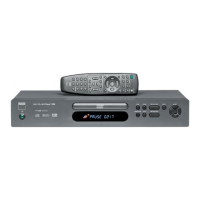
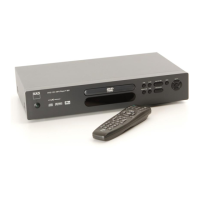
NAD T531 - Selecting Menu Language

NAD T531
42 pages
Print Icon
To Next Page IconTo Next Page
To Previous Page IconTo Previous Page
Loading...
Initial Settings
GB
19
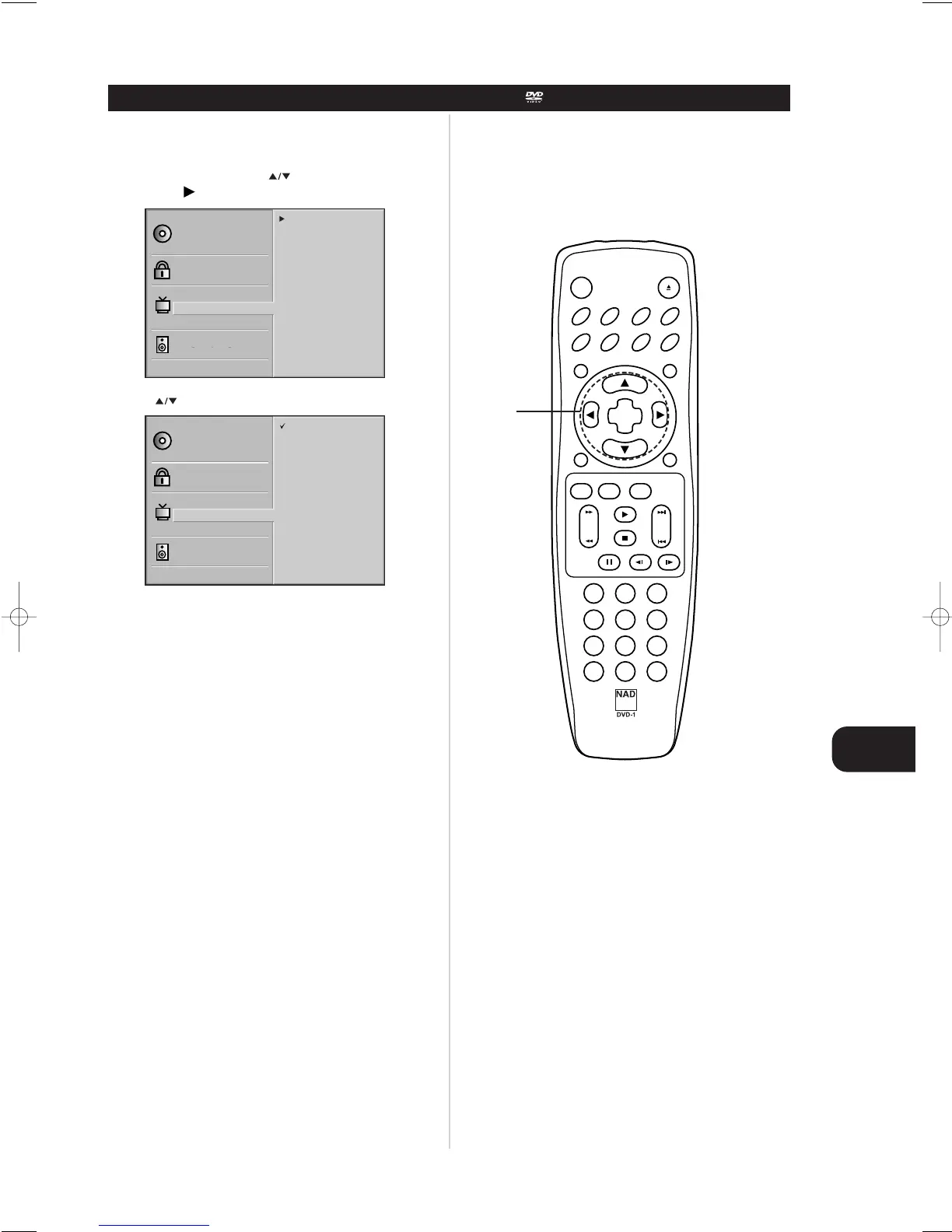
Selects language for SETUP menus and displays on the TV..
1 At the SETUP screen, press to select “Menu Language”
and press
2Press to select the desired Language and SELECT/ENTER
SELECTING MENU LANGUAGE
Disc Subtitle
Disc Menu
Rating
Password
TV Aspect
Menu Language
Progressive Scan
Digital Audio Output
5.1 Speaker Setup
Others
Disc Audio
English
Spanish
French
German
Italian
Disc Subtitle
Disc Menu
Rating
Password
TV Aspect
Menu Language
Progressive Scan
Digital Audio Output
5.1 Speaker Setup
Others
Disc Audio
English
Spanish
French
German
Italian
CLEAR PROGRAM
DISPLAY
RETURN
SELECT
ENTER
TITLE MENU
AUDIO SUBTITLE SOUNDANGLE
SETUP REPEAT RANDOM
POWER OPEN/CLOSE
A-B
123
45
6
7
8
0
9
SLOW
ZOOM MARKER – SEARCH
PAUSE/STEP
STOP
PLAY
SCAN SKIP
1,2
T531 manual (GB) 6/11/01 11:13 pm Page 19

Table of Contents

Other manuals for NAD T531

Related product manuals