GB
30
This unit stores, in memory, settings for DVDs you watched. Settings remain in memory even if you remove
the disc from the player, or switch power to the player OFF. Settings are stored in memory for use any time
automatically. If you load a disc that has its settings memorized, the “Memorized Disc Resume?” message
will appear on the TV screen. When you start playing the disc, the memorized settings are automatically
recalled.
You can memorize details for the following six settings.
Latest Stop Position (Page 25)
TV Aspect (Page 18)
Disc Audio Language (Page 15)
Disc Subtitle Language (Page 15)
Disc Menu Language (Page 15)
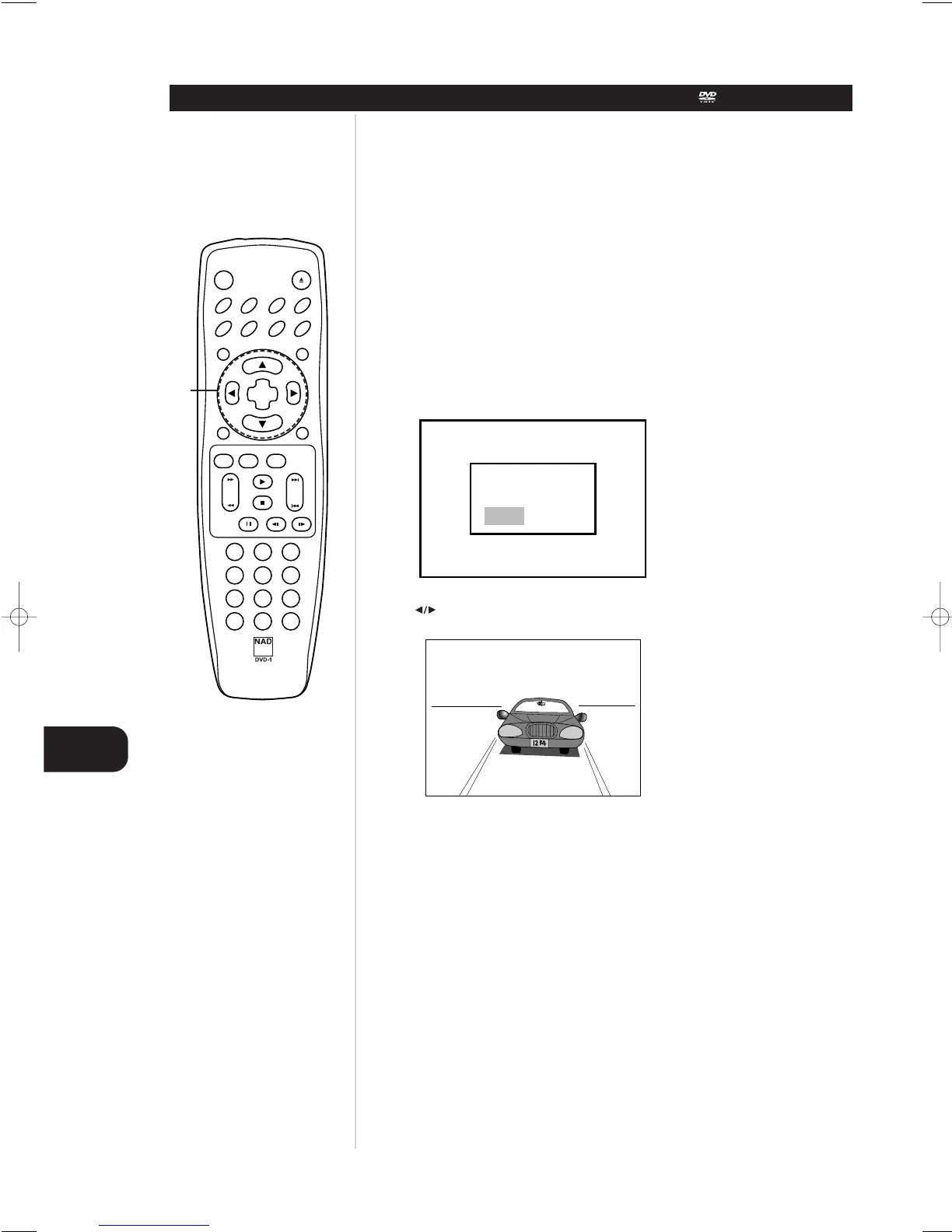
1 Load the DVD that was memorized.
It will appear on the TV screen as below
If the screen is left for more than 10 seconds, play back will start automatically.
2Press or to select “Yes” and press SELECT/ENTER
The memorized settings are automatically recalled.
NOTES
• Settings are stored in memory for use any time.
•You can store settings for up to 15 DVDs in memory. If you memorize settings for more than 15 DVD
previously memorized settings are erased in order from the last recently memorized setting.
Consequently, if you try to call up these previously memorized settings, you will get the latest settings
that have taken their place.
• Switching of the audio mode etc., is automatic on some discs.
• This unit does not store settings in memory, if you remove the disc from the player or switch power to
the player OFF when DVD or title menu is displayed on the TV screen.
MEMORIZING SETTINGS FOR VIEWED DVDS (CONDITION MEMORY)
Advanced Operation
1. No 2. Yes


 To Next Page