EasyManua.ls Logo

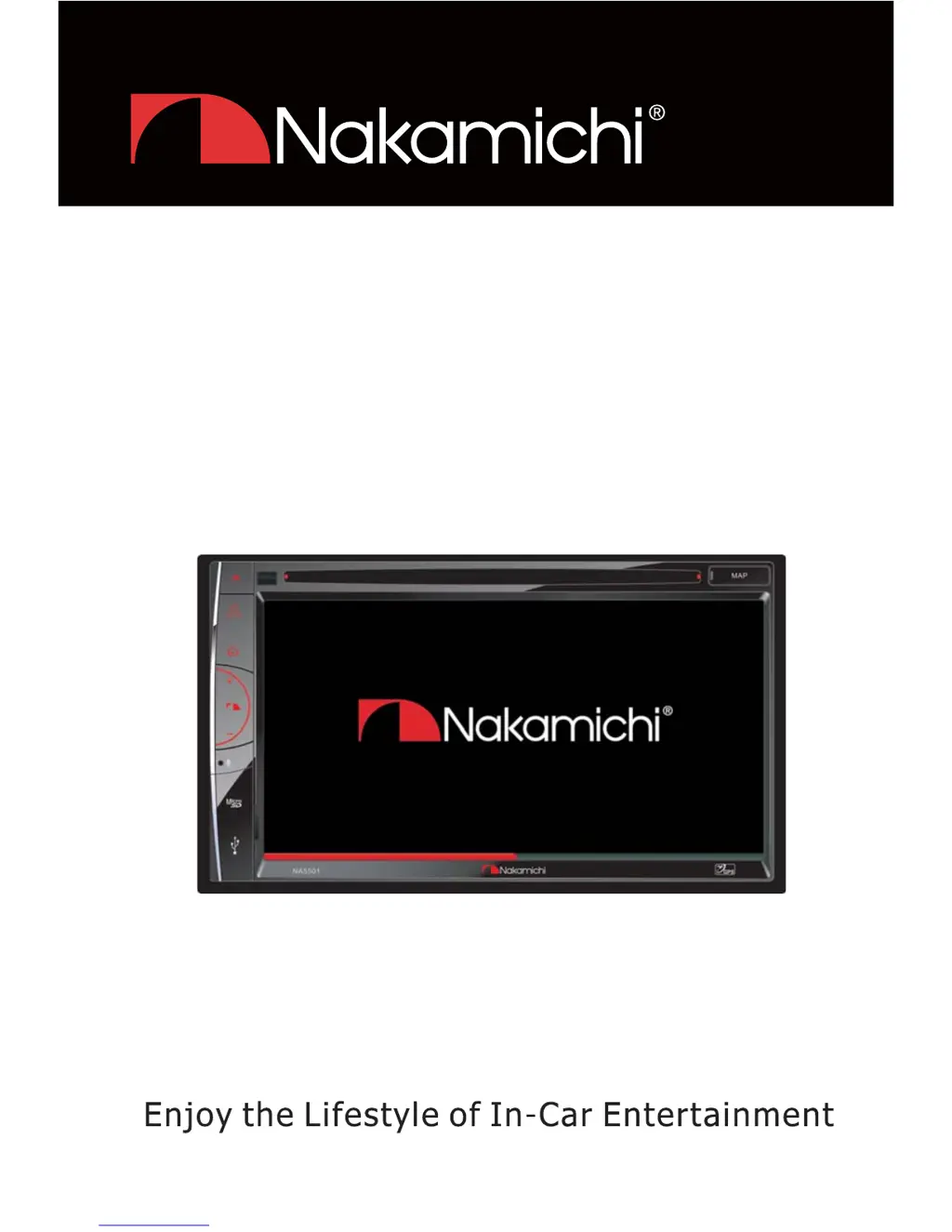
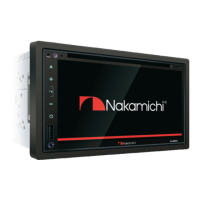
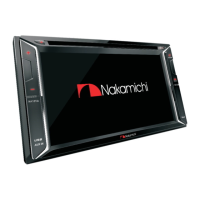
Nakamichi NA5501 - User Manual

Nakamichi NA5501
66 pages
Print Icon
To Next Page IconTo Next Page
Loading...
1$
8VHU0DQXDO
&'9&''9'0386%3/$<(5
*36%/8(7227+
:,7+)0$0781(5

Table of Contents

Questions and Answers

  • H
    hectorcamposAug 19, 2025
    Why Nakamichi NA5501 unit resets itself when engine is off?
    • R
      Ryan HallAug 19, 2025
      If your Nakamichi Car Receiver resets itself when the engine is off, it might be due to an incorrect connection between the ACC and BATT. Check the wiring and correct it.
  • E
    Eric McdonaldAug 21, 2025
    Why Nakamichi NA5501 unit does not power on?
    • J
      justinmontesAug 22, 2025
      Your Nakamichi Car Receiver might not be powering on due to several reasons: the unit fuse may be blown, requiring a replacement with a new fuse of the correct rating; the car battery fuse could be blown, also needing replacement with a correctly rated fuse; or the unit might be in an illegal operation state, in which case you should reset the unit.
  • E
    Erica GillAug 25, 2025
    What to do if Nakamichi NA5501 Car Receiver has low audio output?
    • A
      Ashley MurilloAug 25, 2025
      If you're experiencing low audio output from your Nakamichi Car Receiver, here's what you can check: * Ensure the audio output connection is properly wired. * Increase the volume level. * If the speakers are damaged, replace them. * Adjust the channel balance to the center position if it's heavily biased. * Make sure speaker wiring is not in contact with any metal part of the car; if it is, insulate all speaker wiring connections.
  • H
    Hector PorterAug 26, 2025
    Why Nakamichi NA5501 remote control does not work?
    • D
      Diane HernandezAug 26, 2025
      If your Nakamichi Car Receiver's remote control isn't working, the battery may be depleted, so try changing it. Alternatively, the battery might be installed incorrectly; ensure it's properly installed.
  • A
    Amy WareAug 28, 2025
    What to do if Nakamichi NA5501 has poor sound quality?
    • M
      melissa58Aug 28, 2025
      If you notice poor sound quality or distortion from your Nakamichi Car Receiver, consider the following: * If you are using a pirated disc, use an original disc instead. * If the speaker power rating doesn't match the unit, replace the speakers. * Check the wiring and correct any wrong connections. * Check if the speaker is shorted and correct the wiring.
  • W
    William LewisAug 30, 2025
    What to do if flashing image appears on Nakamichi Car Receiver screen?
    • M
      Melody SanchezAug 30, 2025
      If you are experiencing a flashing image or interference on your Nakamichi Car Receiver screen, here are some steps to troubleshoot: 1. If the color system of the DVD disc does not match the monitor, adjust the color system of the DVD disc playing back or the monitor in use. 2. If you are using a pirated disc, use an original disc. 3. If the video cable is damaged, replace the cables. 4. If there are improper video signal connections, check the wiring and correct it.
  • J
    Jenny ThompsonSep 1, 2025
    Why Nakamichi Car Receiver cannot insert disc?
    • D
      Donna GreenSep 1, 2025
      If you cannot insert a disc into your Nakamichi Car Receiver, it is possible that a disc is already inside the unit. Eject the current disc and then try inserting the new one.
  • M
    martinzacharySep 3, 2025
    Why Nakamichi NA5501 disc does not play back?
    • D
      Destiny DavisSep 3, 2025
      If your Nakamichi Car Receiver disc does not play back, here are a few things to check: * If the disc is warped or scratched, use a disc in good condition. * If the disc is dirty or wet, clean it with a soft cloth. * If an incompatible disc is used, use a compatible disc. * If the disc is inserted upside down, insert the disc with the label side up. * If the disc region code is not compatible with the unit, use a disc with the proper region code.
  • B
    brianrobinsonSep 6, 2025
    What causes 'no disc' message on Nakamichi NA5501?
    • M
      Megan RichardSep 6, 2025
      If you're seeing a 'no disc' message on your Nakamichi Car Receiver, it could be due to several reasons: * The disc is dirty, so clean it with a soft cloth. * The disc is upside down, so insert it with the label side up. * There is no disc inside, so insert a disc.
  • S
    Sydney MoranSep 8, 2025
    What causes 'bad disc' message on Nakamichi NA5501 Car Receiver?
    • M
      morganjasonSep 8, 2025
      If you're seeing a 'bad disc' message on your Nakamichi Car Receiver, it could be because the disc is dirty, so clean it with a soft cloth. Alternatively, the disc might be upside down, so ensure you insert it with the label side up.

Summary

Safety Precautions

General Safety Guidelines

Important safety guidelines for unit installation, operation, and environment.

Before Using

Front Panel Components

Description and identification of the unit's front panel controls and connectors.

Basic Operations

Core Functions

Covers Parking Brake, Mute, OSD Language, Power, Volume, and Source Selection.

Audio Settings

Details on EQ Menu, Preset Equalizers, EQ Parameters, Fader, and Balance.

Playback Mode

Bluetooth Mode

Pairing and Communication

Steps to pair devices, make/answer calls, and manage contacts.

Settings

Display and General Configuration

Adjusting general settings, display system, screen calibration, and video settings.

Troubleshooting

Quick Start Guide

Nakamichi NA5501 Specifications

General IconGeneral
DIN SizeDouble DIN
Number of Channels4
Display TypeLCD
TouchscreenYes
AUX InputYes
USB InputYes
BluetoothYes
HD RadioNo
Satellite RadioNo
Apple CarPlayNo
Android AutoNo
Backup Camera InputYes
Steering Wheel Control CompatibleYes
FM/AM TunerYes
Remote ControlYes
Compatible Audio FormatsMP3, WMA
PlaybackMP3, WMA
Preamp Voltage4V

Related product manuals