Need help?
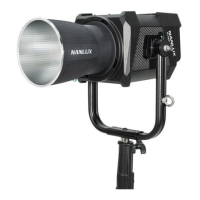
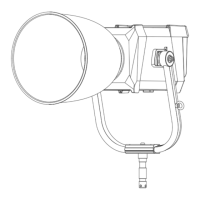
Do you have a question about the NANLUX TK-140B and is the answer not in the manual?
Explains the function and purpose of each numbered part of the fixture.
Details on how to connect the fixture to battery power sources.
Covers ADDRESS/DMX, DMX Mode, Dimming Curve, and DMX connection.
Details 2.4G, RDM, and LumenRadio wireless control methods.
How to use the CCT key for adjusting color temperature and brightness.
Guide to selecting and configuring built-in special effects.
Configuring Output Mode, Address/DMX, Wireless, and LumenRadio.
Covers Screen Rotation, Brightness, Button Backlight, and Language.
Displays current firmware version and upgrade instructions.
 General
| Color Temperature | 3200K - 5600K |
|---|---|
| Power Output | 140W |
| CRI | ≥96 |
| Weight | 3.5 kg |
| Dimming | 0-100% |
| Beam Angle | 120° |
| Type | LED Light |
| Control | DMX |
| Cooling System | Active Cooling |
| Power Supply | AC 100-240V |


 To Next Page