38 39
Programs
Press and hold upper button for 3 seconds to change program
for sound shaping
Program Indicator Recommended for
Normal
Conversation
beep
Quiet environments
home or office
Noisy Places beeps
Noisy environments
resaurants large meetings
Loud Places beeps
Loud environments traffic
large crowds
Music
Listening
beeps
Music concert halls
theaters
Change Programs
Step 4: Change Program
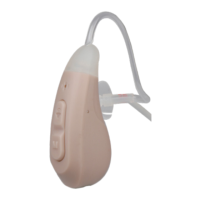
Your hearing aids have 4 programs from which to choose.
Programs allow you to change between different listening settings
by shaping the sound differently in each setting. Take time to
switch between programs to determine which program best suits
your comfort and listening needs. You may find program 1 works
best for you in a quiet environment, whereas program 4 works
best for you when you’re outdoors. Alternatively, you may find
that you prefer listening to one particular program at all times.
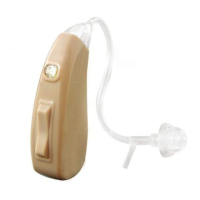
To change the program, press and hold the upper button for 3
seconds. You will hear the number of beeps that corresponds to
the program selected.
Change Programs



 To Next Page