13
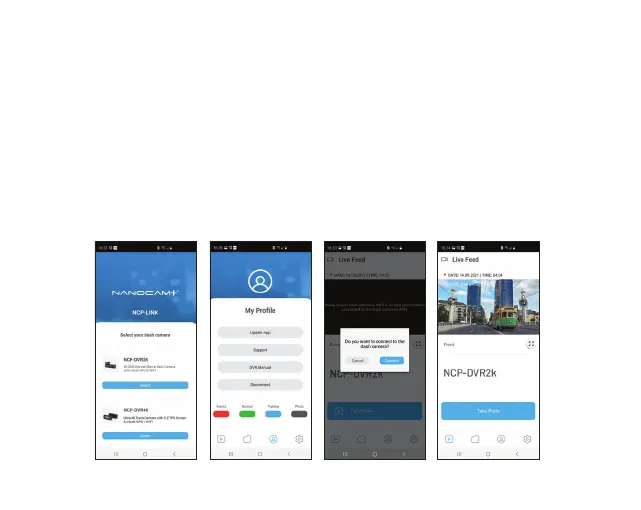
11.0 NCP-LINK APP OPERATION
To use the NCP-LINK App, your smart device will need to be connected to the dash camera
WI-Fi connection. For instructions on connecting your dash camera to your smartphone's
Wi-Fi, please follow the steps on the previous page.
11.1 APP VIDEO PLAYBACK
For Video Playback via the App, please follow the instructions below.
1. Open the NCP-LINK APP.
2. Press the Album Button.
3. Click on the Video Folder and select the video you want to view.



 To Next Page