15
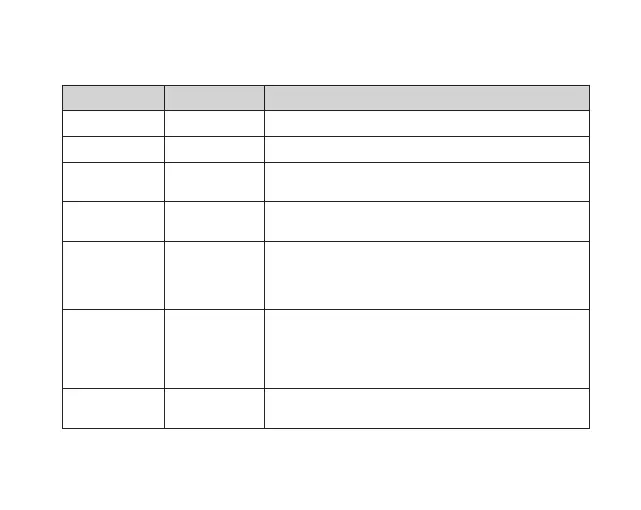
11.4 NCP-LINK APP SETTINGS
MENU SETTING DESCRIPTION
Microphone ON, OFF Turns microphone ON/OFF
Speed Alerts ON, OFF Turns speed camera alerts ON/OFF
Loop Recording 1 & 3 Minutes Loop recording allows you to set the duration that the
camera will record before creating a new clip
Volume Off, Low, Mid,
High
Controls the sound level of the inbuilt speaker
G-Sensor Off, High, Mid,
Low
The G–Sensor monitors your vehicle for impacts.
The dash camera will automatically lock the recording
in the event of a collision. You can turn off or adjust the
sensitivity of the built in G- Sensor.
Parkmode* ON, OFF Activates Time lapse mode when the car is parked and the
engine is turned OFF.
*Requires 3 wire hardwire kit
Default: Off
Adjust Time Day, Month,
Year
Adjusts the time on the timestamp.



 To Next Page