Need help?
Do you have a question about the Nanoleaf Shapes Hexagons Smarter Kit and is the answer not in the manual?
Title and branding for the Nanoleaf Shapes Hexagons Smarter Kit.
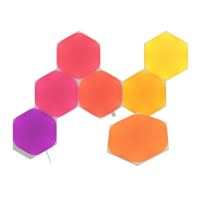
Visual list of kit components and links to download the Nanoleaf App.
Details PSU wattage limits and controller panel capacity, advising use of a PSU calculator.
Instructions on cleaning surfaces and applying pressure for secure panel mounting.
Warnings against using tape on textured/porous surfaces and for ceiling mounting.
Using the Nanoleaf App Layout Assistant to plan the panel arrangement.
Connecting linkers, controller, and power supply to the panels.
Demonstrates applying pressure to mount panels.
Illustrates connecting additional panels to the existing configuration.
Lists environmental, usage restrictions, and potential hazards.
Details tape limitations and warranty voiding conditions for mounting.
Explains FCC/IC compliance for digital devices and radio frequency energy.
Covers the limited product warranty and EU Declaration of Conformity.
Provides support contact information, regional offices, and product model numbers.
Lists power supply voltage, wattage, and communication protocols.
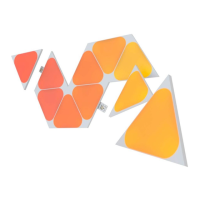
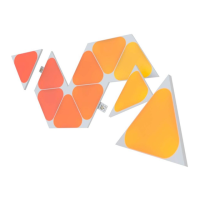
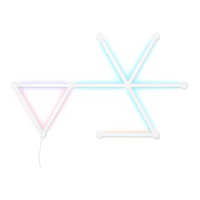
Showcases various Nanoleaf panel layout examples.
Provides QR codes and links for downloading the Nanoleaf app.
 General
| Brand | Nanoleaf |
|---|---|
| Model | Shapes Hexagons Smarter Kit |
| Category | Lighting Equipment |
| Language | English |


 To Next Page