Need help?
Do you have a question about the Nanoleaf Shapes Hexagons and is the answer not in the manual?
Explore different panel layouts with the Layout Assistant and preview them in your room using the AR feature.
Detailed steps for preparing surfaces, panels, and connecting the controller for mounting.
Guide to pairing Nanoleaf Shapes with iOS devices, covering standard and manual methods.
Guide to pairing Nanoleaf Shapes with Android devices, covering QR, NFC, and manual methods.
Introduces controller functions and basic button controls for Nanoleaf Shapes.
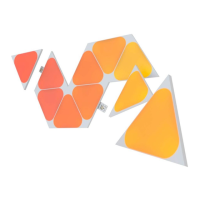
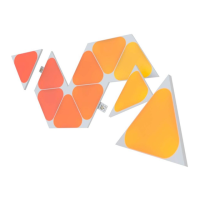
Details the contents of various Nanoleaf Shapes Smarter Kits and Expansion Packs.
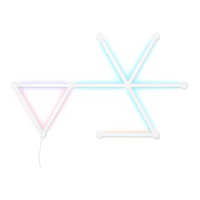
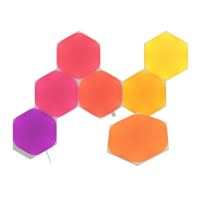
Provides visual examples of different Nanoleaf Shapes panel layouts for inspiration.
Explains how to perform a Soft Reset or a Hard Reset on your Nanoleaf Shapes.
Instructions on how to restore saved scenes after a Hard Reset using your Nanoleaf Account.
Troubleshooting steps for common issues like Wi-Fi connectivity and pairing.
Tips to help your Nanoleaf Shapes achieve the best wireless range & network reception.
Guidance for optimizing large setups, including power distribution and control tools.
 General
| Shape | Hexagon |
|---|---|
| Color Range | 16 million colors |
| Color Channel Configuration | RGBW |
| Dimmable | Yes |
| Lifespan | 25, 000 hours |
| Modular Design | Yes |
| Connectivity | Wi-Fi |
| Compatibility | Apple HomeKit, Amazon Alexa, Google Assistant |
| Power Supply | 100VAC - 240VAC |
| Luminous Flux per Panel | 100 lm |
| Color Temperature | 1200K - 6500K |
| Communication Protocol | Wi-Fi |
| Mounting Type | Adhesive |
| Voltage | 100VAC - 240VAC |
| Max Panels per PSU | 21 panels |
| Control | App, Voice |
| Mounting | Adhesive |
| Type | Smart LED Panel |

 To Next Page