Need help?
Do you have a question about the Nanoleaf Shapes Triangles / Smarter Kit and is the answer not in the manual?
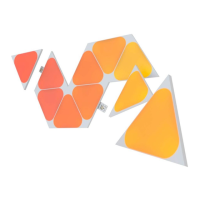
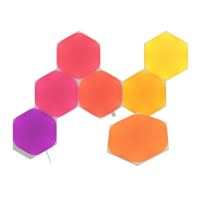
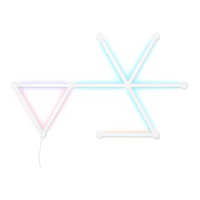
Plan your light panel layout using the Nanoleaf App Layout Assistant.
Connect panels, linkers, controller, and power supply as shown.
Securely attach panels to the wall by applying pressure.
Connect panels sequentially to form the desired configuration.
Avoid use in enclosed spaces, wet conditions, extreme temperatures, or outdoor environments.
Handle product with care, avoid disassembly, unplug before servicing, and keep away from children.
Clean with a dry cloth only. Avoid liquids, harsh agents, stepping on, bending, or puncturing panels.
 General
| Shape | Triangle |
|---|---|
| Color Range | 16 Million Colors |
| Modular Design | Yes |
| Warranty | 2 Years |
| Lifespan | 25, 000 hours |
| Color Temperature | 1200K - 6500K |
| Color Channel Configuration | RGBW |
| Product Type | Smart LED Light Panel |
| Connectivity | Wi-Fi |
| Compatibility | Apple HomeKit, Google Assistant, Amazon Alexa |
| Control | Voice Control |
| Power Supply | 100VAC - 240VAC |
| Dimmable | Yes |
| Expandable | Yes |
| Mounting | Adhesive mounting tape |
| Communication Protocol | WiFi |
| Voltage | 100VAC - 240VAC |


 To Next Page