PRODUCT
USAGE
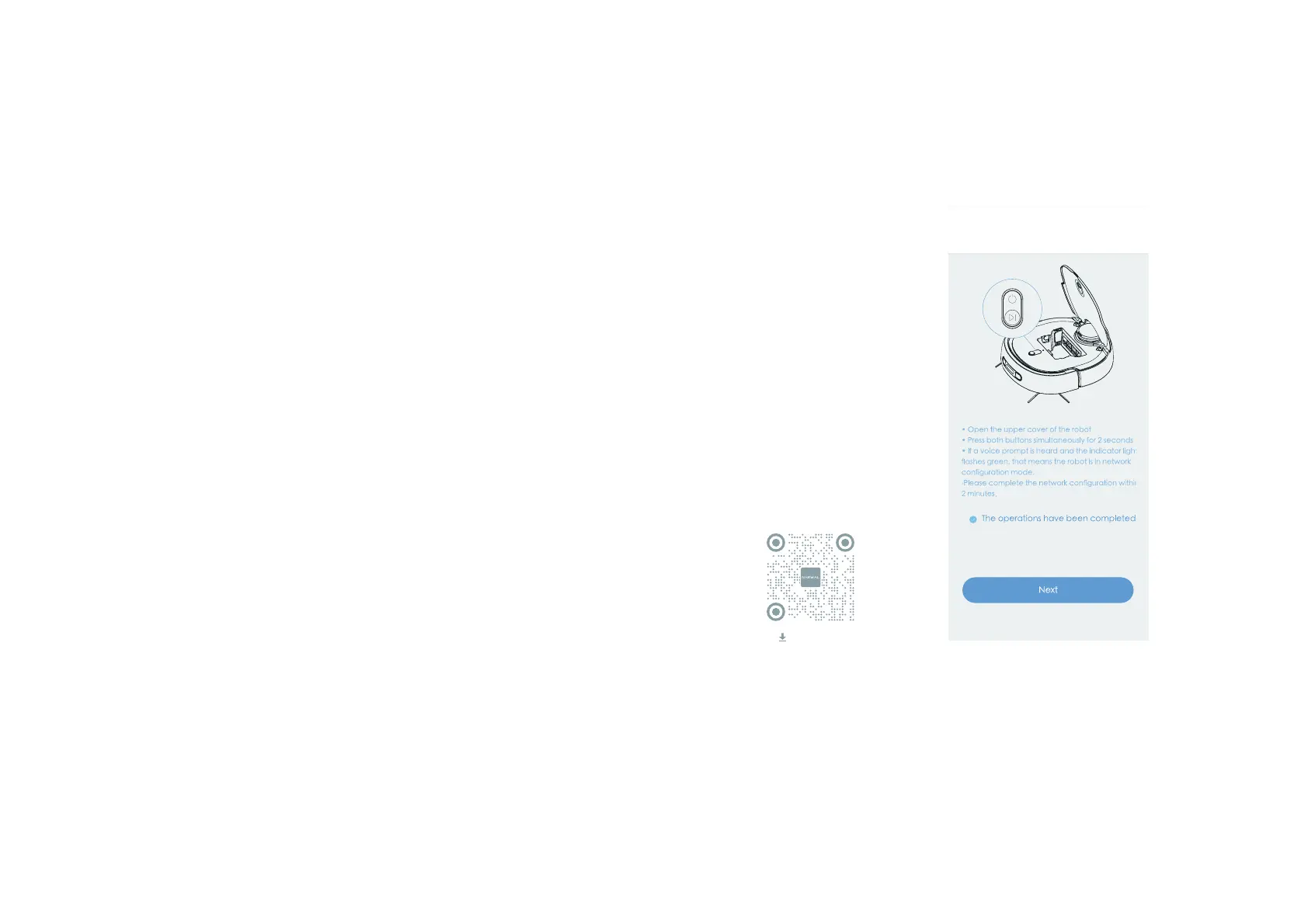
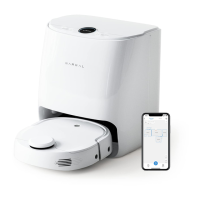
APP Operations and Guidance
You can also unlock more advanced functions through the APP. The following introduces
how
to download the APP and connect the robot.
Scan the preceding QR code
to download and register with
the APP.
Tap to add the robot and ĩåÍþÃĄþŖàĮĞÍ the
þÍĩłĄĞöɌrĞèĄĞĩĄÃĄþŖàĮĞèþàĩåÍþÍĩłĄĞöɍěøÍ«ĢÍ
make sure:
ɥȡɦåÍĞĄÂĄĩèĢĩĮĞþÍÉĄþɟĩåÍÂĮŘĄþèþÉèëĩĄĞèĢ
steady on);
ɥȢɦĄĮå«ŁÍ«ÃÃÍĢĢĩĄňĄĮĞåĄýÍèɫ7èɏ
ɥȣɦĄĮĞěåĄþÍèĢÃĄþþÍÃĩÍÉĩĄňĄĮĞåĄýÍèɫ7èɌ
PRODUCT USAGE PR
O
DUCT USAGE
19 20
Download APP


 To Next Page