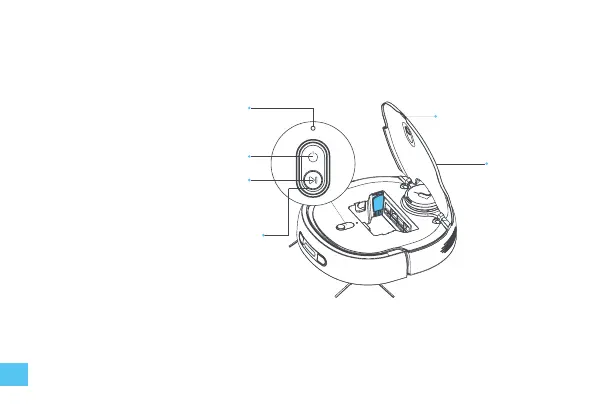
Circular indicator light
• White —— standby
• Purple —— working
• Purple blink —— paused
• Red blink —— malfunction
Reset button
• Press and hold for 3 seconds to reset
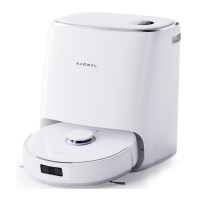
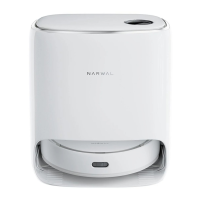
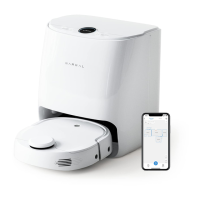
About the robot & base station
Power button
• Press and hold for 2 seconds to turn on/o
Start button
• Short press to start/pause cleaning
• Press and hold for 2 seconds to stop
current task
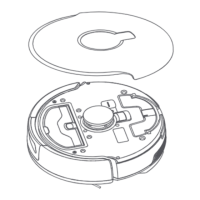
Open lid
Cover
02
1. Find the bird knife at the highlighted (blue) area.
2. The robot data will be deleted completely after
factory reset, and it needs to be recongured.
Note:


 To Next Page