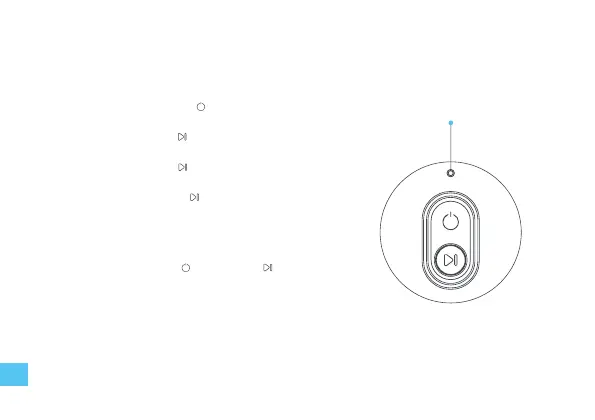
Power on/o
• Press and hold the power button for 2 seconds to turn on/o
Start task
• Short press the start button to start a new task.
Pause/resume task
• Short press the start button to pause/resume.
End current task
• Press and hold the start button for 2 seconds to end the
current task and stand by.
Factory reset
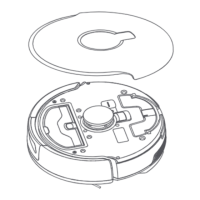
• Press and hold the reset button for 3 seconds to reset the robot.
Reset Wi-Fi
• Press and hold power button and start button for 2
seconds to reset Wi-Fi.
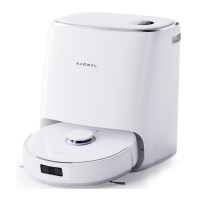
Charging
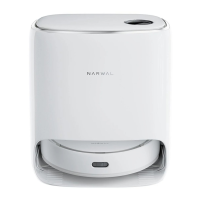
• The robot will automatically return to the base station for charging
when the robot completes the cleaning task or the power is lower
than 20%, It will return to the previous position to continue the task
after charging.
Basic operation
Robot basic operation
RESET Button
16


 To Next Page