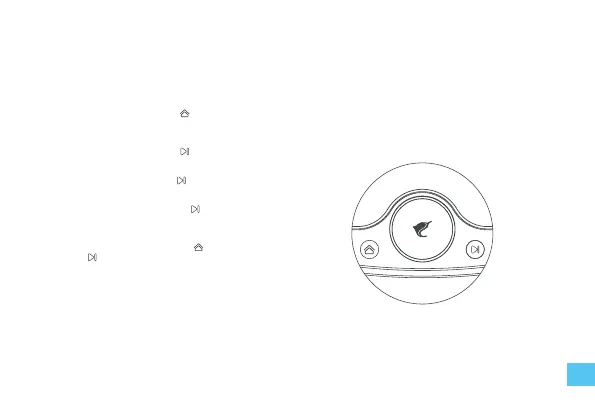
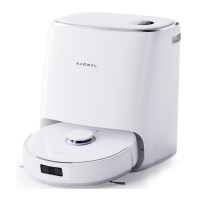
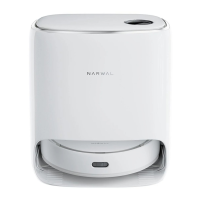
Send home/exit base station
• Short press the home button to command the robot
return/exit the base station.
Start task
• Short press the start button to start a new task.
Pause/resume task
• Short press the start button to pause/resume.
End current task
• Press and hold the start button for 2 seconds to end
the current task and stand by.
Base station lock/unlock (children lock)
• Press and hold the home button and the start button
key for 2 seconds to lock/ unlock the base station
panel.
Note:
1. The robot will enter the low power mode after 15 minutes
standby when there is no task.
2. The robot will end current task and enter the low power
mode when the pause or error status for more than 2
hours or the power is lower than 15% .
3. If the power is too low, it will not be able to start the task.
Please charge it before starting the task.
Base station operation
17


 To Next Page