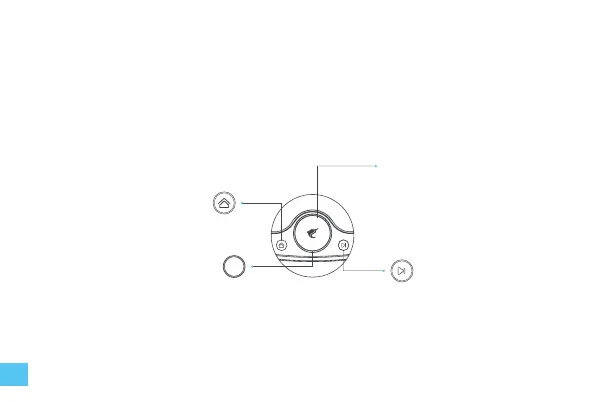
Home button
• Short press to command the
robot to return/exit the base
station.
• Press and hold for 2 seconds to
reset the map and start mapping.
Circular indicator light
• White —— standby
• Purple —— working
• Purple blink —— paused
• Red blink —— malfunction
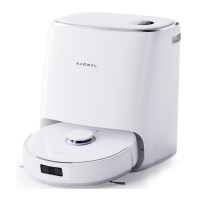
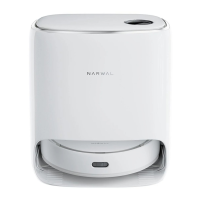
Base station screen & buttons
Base station panel
OLED screen
Start button
• Short press to start/pause cleaning
• Long press 2 seconds to stop current
task
08


 To Next Page