17
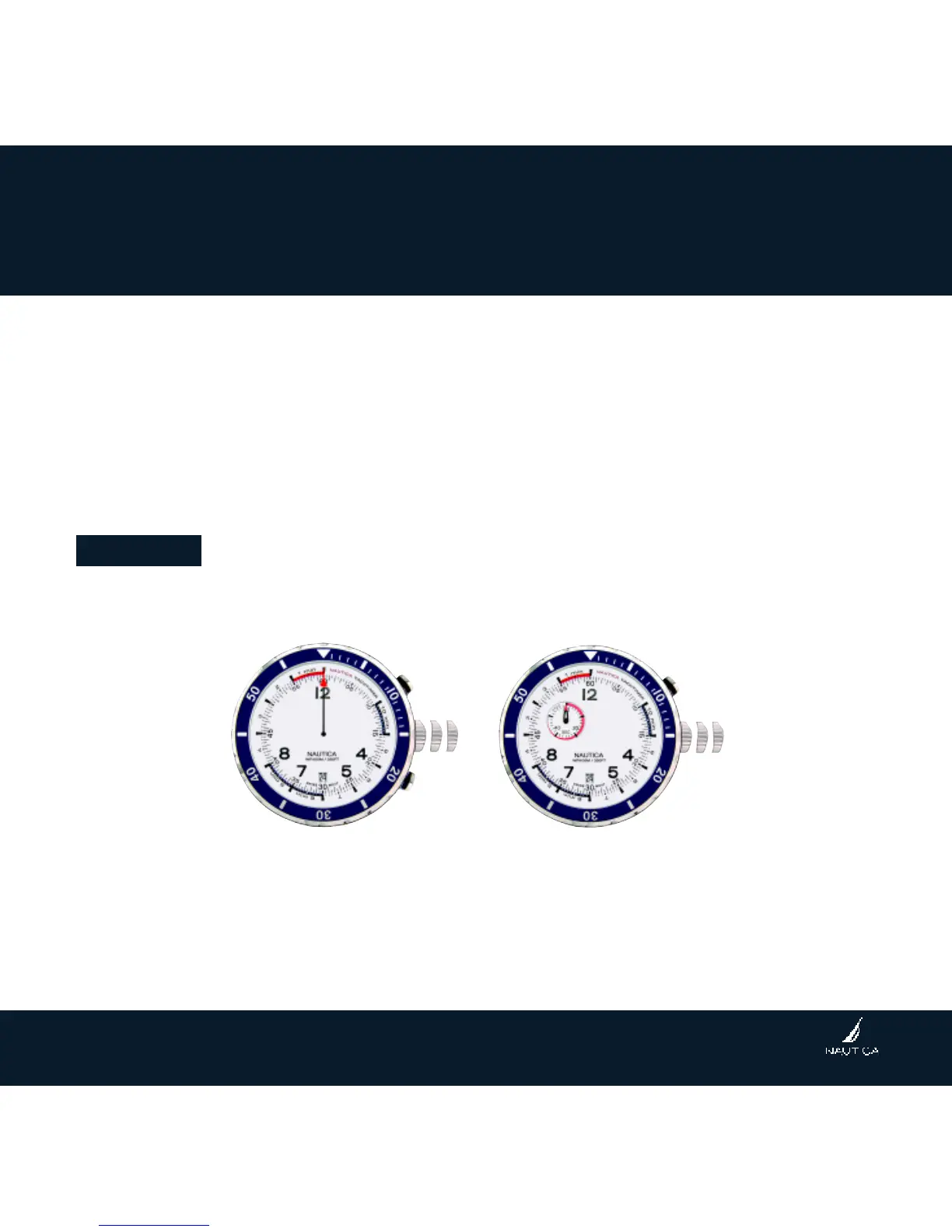
REINITIALIZING THE CHRONOGRAPH HANDS
(For reset only after battery change or mishandling)
Following a battery change, an incorrect actuation, violent impact or exposure to a
strong magnetic field, the count down/chronograph counter hands many fail to revert
to its original position (zero). To reinitialize the hands, proceed as follows:
Attention:
Initialization can be done only after having stopped and reset the count down or the
chronograph. To reset, follow the step of “L. Count down / Chronograph Reset”.
Reset of the small counter hand at 10H:
1. Pull the crown to position 2, and let it stay for minimum 1 second. Press A or B, the
central hand advances fast and stop (not necessarily pointing to “12:).
2. Press A step-by-step to adjust the small counter hand at 10H to rest at “0” (“60”).
➡
A
➡
B
2
➡
➡
A
1.
2.
2



 To Next Page