6
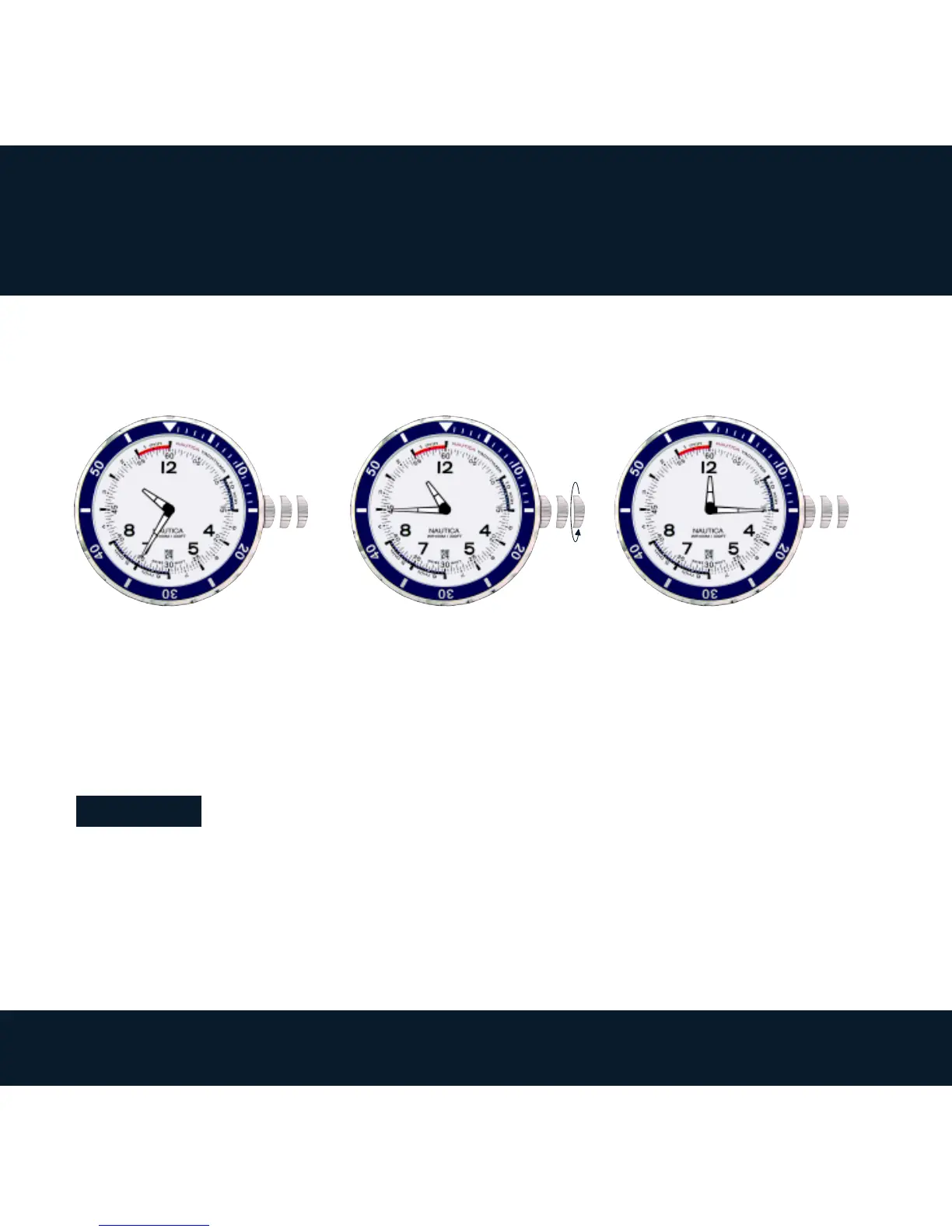
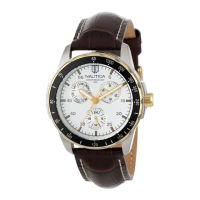
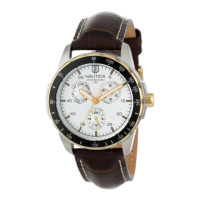
A. SET THE TIME - HOUR, MINUTE, DATE
1. Pull the crown to position 3.
2. Turn the crown anti-clockwise to set the time of the day (hour & minute) and the
date.
3. Push the crown to position 1.
Attention:
* The date changes at 00:00midnight, not at 12:00noon.
* Make sure that the AM/PM is set correctly, or the date will not change correctly.
1. 2. 3.
1
➡
➡
3
3



 To Next Page