15
4. In the R&D information menu, use the Up [+] or Down [-]
button to move to 2.PAR (Parameter information mode), and
then press the Information button.
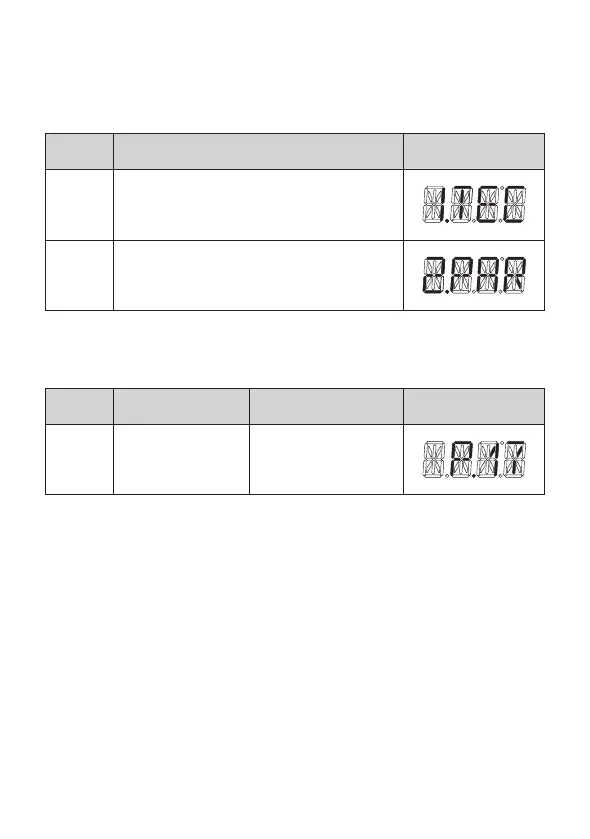
No. Mode Display
1 Technical information
2 Parameter information
5. Use the Up [+] and Down [-] buttons to enter Parameter #17
(P.17 – Enable Thermal Bypass Valve).
Item Name Description Display
P17
Enable thermal
bypass valve
Set thermal bypass
valve operation
(Required Adjustments to the Available Parameters)


 To Next Page
 Loading...