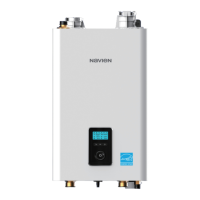
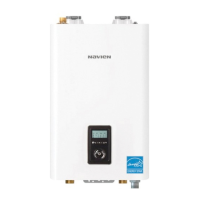
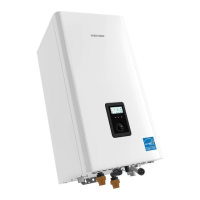
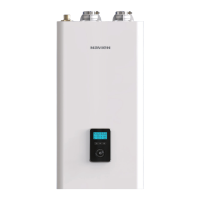
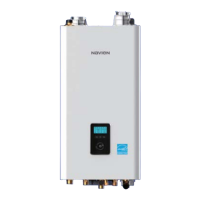
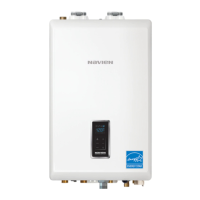
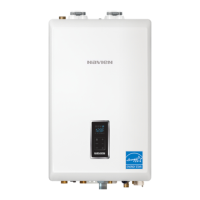
6 About the Boiler
b
a
d
c
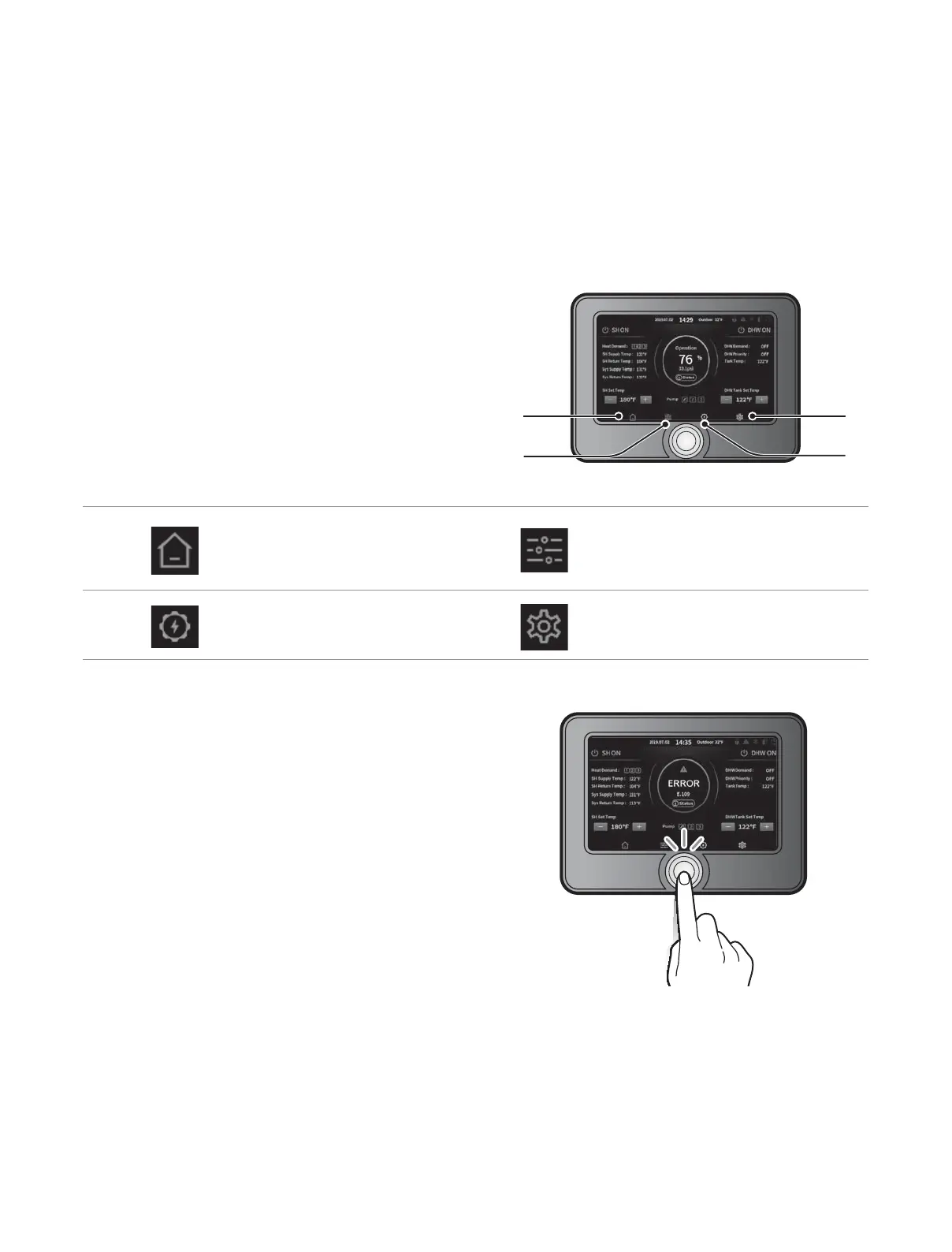
2.3 The Front Panel
The front panel allows you to adjust the temperature and view the operating status or error codes. Remove the protective sheet from the front
panel before using it.
2.3.1 Icons and Digital Display
The icons and digital display on the front panel provide
important information required for the boiler’s operation. Refer to
the following table for detailed information.
a
Home button
Tap to view the status display; view
or adjust the space heating and DHW
temperatures.
b
Control button
Tap to view the boiler’s operating
conditions; congure the space heating
and DHW temperatures.
c
EMS button
Tap to view or set the miscellaneous
system information.
d
Set button
Tap to view or set general options.
2.3.2 Reset Button
If an error message appears during boiler operation, reset the
boiler to resolve the problem. Press and hold the Reset button on
the front panel to reset the boiler.

 To Next Page
 Loading...