Maintenance Instructions
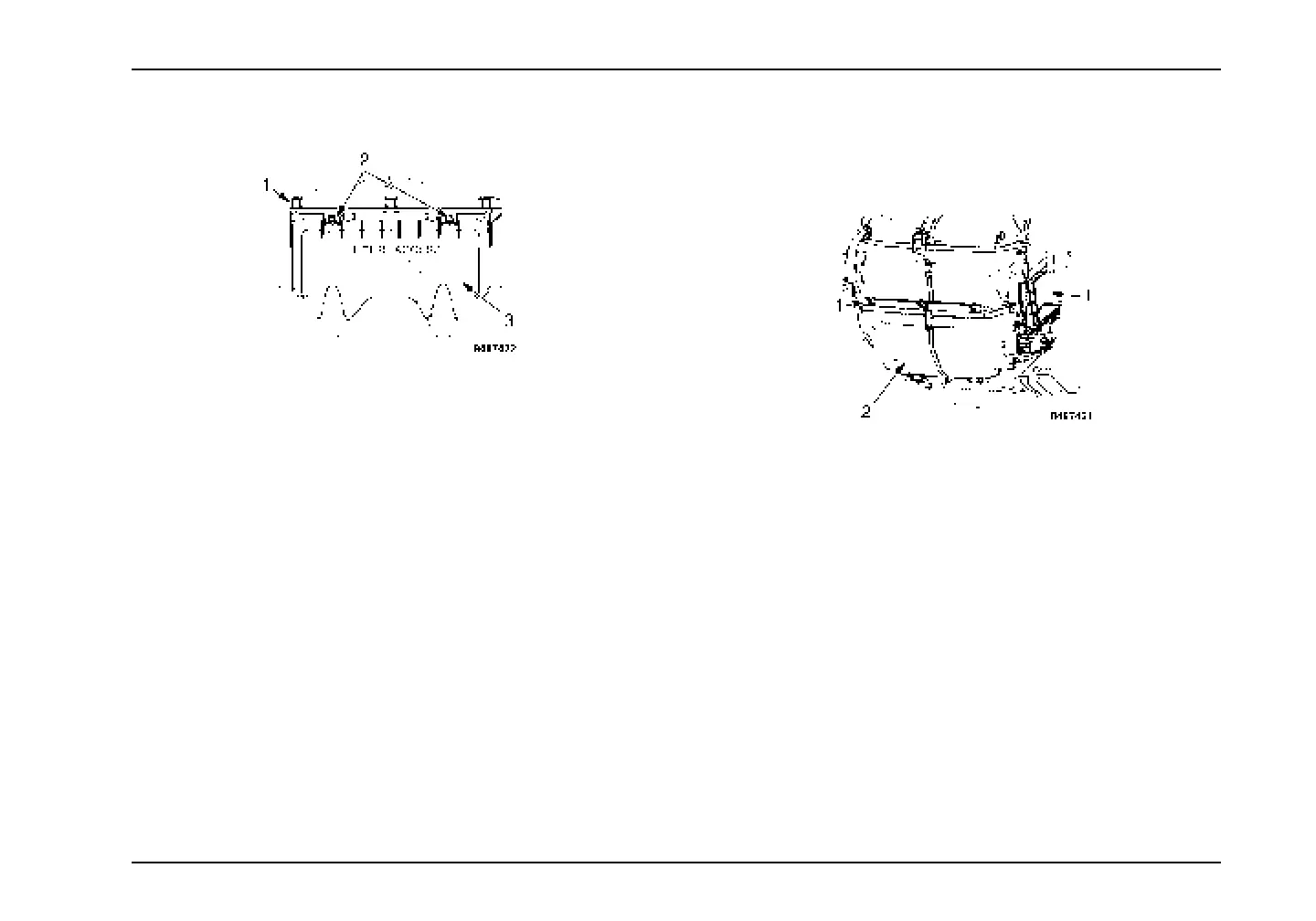
Front Access HVAC Filter
1. Air Intake Housi
ng
2. Screws
3. Filter Access Doo
r
Cab HVAC Filter Re
placement – Front Access
1. Turn screws count
erclockwise one quarter turn and
open filter acces
s door.
2. Remove filter by p
ulling filter out of air intake housing.
3. Install new filte
r into air intake housing.
4. Close and secure fi
lter access door by turning screws
clockwise one qu
arter turn.
Recirculation Filters
The recirculation filters are mounted on the left and right sides of
the HVAC unit which is located in-cab under the left side dash.
1. Recirculation Filter
2. HVAC Unit
Cab HVAC Filter Replacement
1. Remove by gently pulling filter away from HVAC unit.
2. Install new filter onto HVAC unit.
3879634R1 169



 To Next Page
 Loading...