EasyManua.ls Logo

Naxa NE-968 - User Manual

Naxa NE-968
11 pages
Print Icon
To Next Page IconTo Next Page
Loading...
Please read this user manual carefully to ensure proper use of this product
and keep this manual for future reference
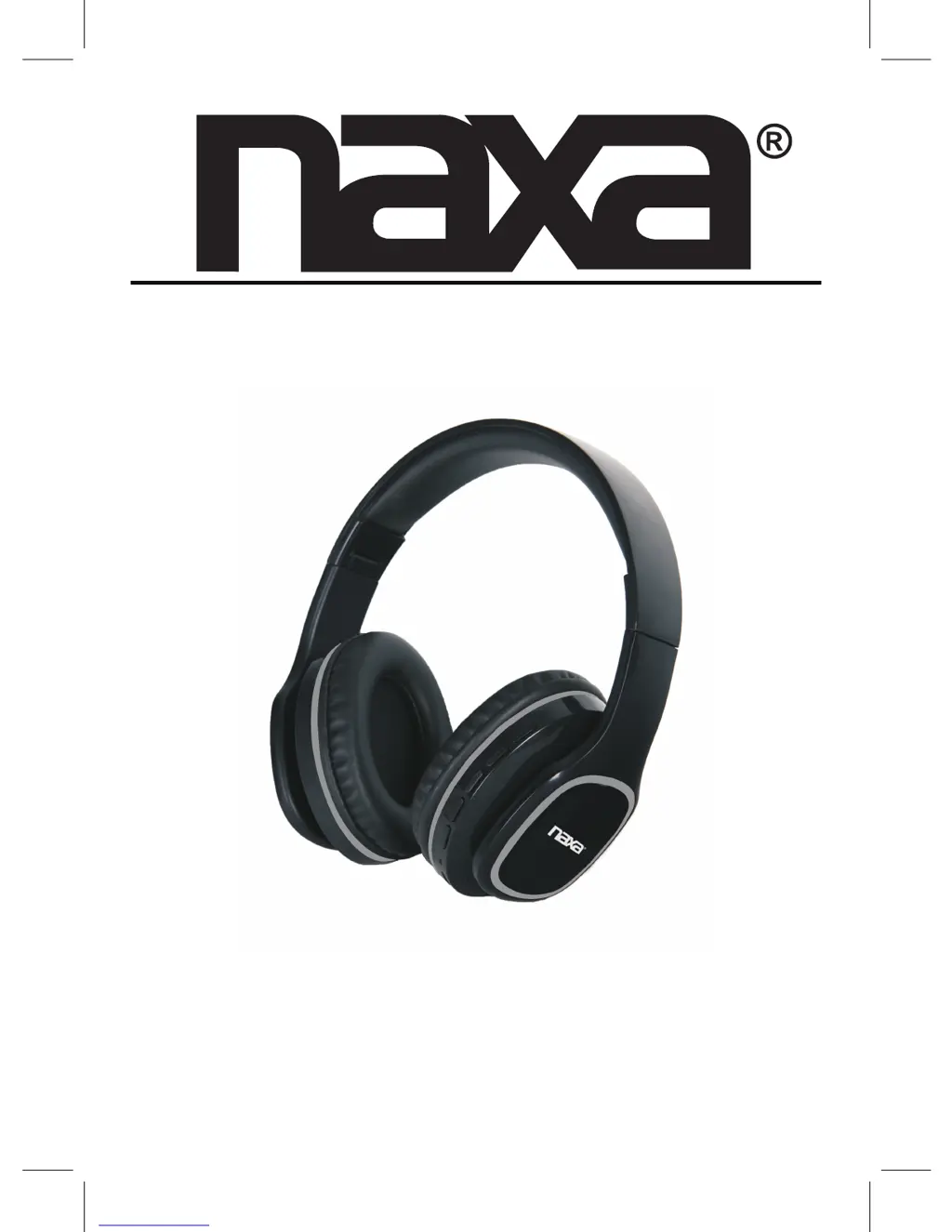
MODEL:NE-968
Voice-Controlled Bluetooth® Headphones
with Google Assistant™ & Siri Assistant™

Questions and Answers

  • S
    Stephen RodriguezAug 10, 2025
    Why is my Naxa Headphone BT not functioning?
    • K
      Kimberly McgeeAug 11, 2025
      The BT on your Naxa Headphone might not be functioning because the external BT device has not been paired to the unit or the external BT device is too far from the unit. To resolve this, pair the external BT device to the unit or place the external BT device closer to the unit.
  • L
    Lisa DelgadoAug 18, 2025
    What to do if my Naxa Headphone has sound distortion?
    • P
      Patricia JenkinsAug 19, 2025
      If your Naxa Headphone has sound distortion, it might be because the volume level of the connected/paired device is too high. Try reducing the volume level of the connected/paired device.
  • D
    danalopezAug 27, 2025
    What to do if my Naxa Headphone has no sound or sound is weak?
    • C
      Cindy MurphyAug 27, 2025
      If your Naxa Headphone has no sound or the sound is weak, the volume level of the paired/connected device might be too low. Try increasing the volume level of the paired/connected device.
  • M
    Maria HintonSep 1, 2025
    How to fix a Naxa Headphone that can’t power on?
    • S
      sabrinajonesSep 1, 2025
      If your Naxa Headphone can’t power on, it might be because the built-in battery is drained. Recharge the battery to resolve this issue.

Naxa NE-968 Specifications

Power IconPower
battery capacity250mAh
charging voltage5V
battery voltage3.7V
Battery IconBattery
charging timeapprox. 2 hours
running timeapprox. 3.5 hours @ 70% volume
Connectivity IconConnectivity
bluetooth working rangeup to 32 feet in open area

Related product manuals