EasyManua.ls Logo

Naxa NHS-2006 - User Manual

Naxa NHS-2006
24 pages
Print Icon
To Next Page IconTo Next Page
Loading...
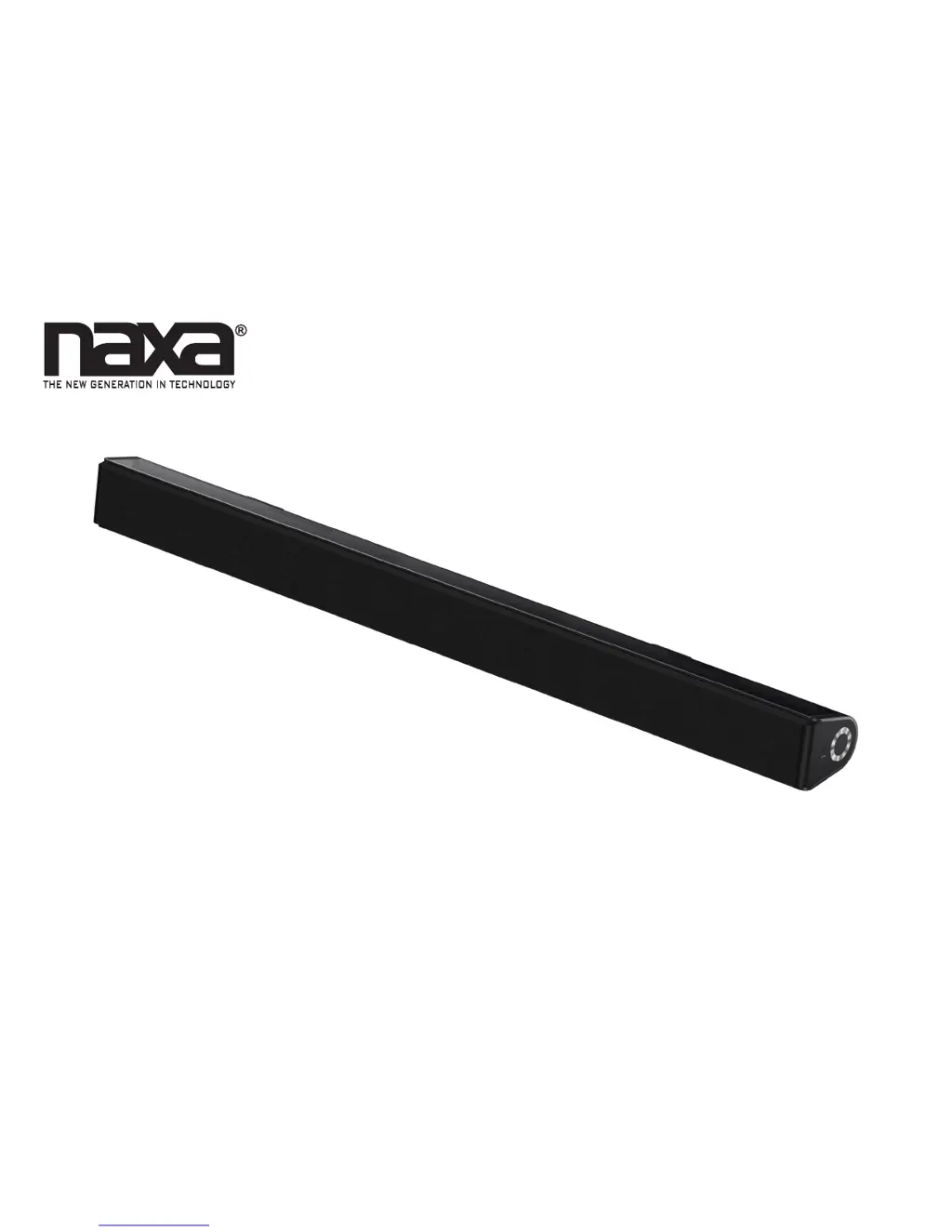
TV Sound Bar System with Bluetooth
®
NHS-2006
Instruction Manual
Please read carefully before use and keep for future reference.

Questions and Answers

  • R
    Ricky MorrisonAug 10, 2025
    Why is there no sound coming from my Naxa NHS-2006 Speaker System?
    • W
      William LoweAug 10, 2025
      If your Naxa Speaker System isn't producing any sound, first, check the volume level. It might be set to the minimum. If so, increase the volume by pressing the VOL (Volume)+ button. Also, ensure that the connected device is playing music or a movie. If the sound output from the connected device is weak, raise the volume level on that device as well.
  • S
    Sarah EdwardsAug 16, 2025
    How to turn on Naxa NHS-2006?
    • B
      Brittany BurtonAug 16, 2025
      If your Naxa Speaker System isn't turning on, the power adapter might not be properly connected. Ensure the adapter is securely plugged in. Alternatively, the unit might be in Standby mode. To power it on, press the Standby button either on the unit itself or on the remote control.
  • M
    Melanie HarrisAug 22, 2025
    What to do if Naxa Speaker System doesn't respond from Bluetooth source?
    • P
      Patrick ThomasAug 22, 2025
      If your Naxa Speaker System isn't responding to Bluetooth, first ensure that the correct source is selected by pressing the source button until the indicator turns blue. Also, the unit might be connected to another Bluetooth device; disconnect that connection and try again. Finally, verify that the connected device is activated and playback has started.
  • M
    michele74Aug 28, 2025
    Why is the Naxa NHS-2006 Speaker System remote control not working?
    • D
      deborahwilsonAug 28, 2025
      If the remote control for your Naxa Speaker System isn't working, the batteries are likely exhausted. Replace them with new batteries.
  • A
    Adrienne MendezSep 3, 2025
    How to fix Naxa Speaker System when AUX 1 / AUX 2 not working?
    • A
      Andrew JohnsonSep 4, 2025
      If AUX 1 or AUX 2 isn't working on your Naxa Speaker System, the wrong source might be selected. Press the source button until the indicator turns green (for AUX 1) or orange (for AUX 2).

Summary

Installing Your Sound Bar

Connecting Power

Getting Started

Bluetooth Mode Operation

Pairing Bluetooth Devices

Steps to pair a Bluetooth device with the sound bar, including passcode and troubleshooting tips.

AUX 1 Mode Usage

AUX 2 Mode Usage

Optical Mode Connection

Warnings and Precautions

General Safety Information

Essential safety instructions and warnings for product operation and maintenance.

Electrical Safety Guidelines

Power, Grounding, and Lightning

Guidance on power sources, polarization, cord protection, grounding, and lightning protection.

Operational Safety and Servicing

Usage, Damage, and Maintenance

Covers overloading, liquid entry, servicing, damage, replacement parts, mounting, and heat.

FCC Compliance Notice

Troubleshooting Guide

Problem Resolution

Lists common problems like no power, no sound, and remote control issues with their causes and solutions.

Product Specifications

Technical Details

Details speaker output, input types, additional features, power source, and remote control battery.

Customer Support

Naxa NHS-2006 Specifications

General IconGeneral
BrandNaxa
ModelNHS-2006
CategorySpeaker System
LanguageEnglish

Related product manuals