EasyManua.ls Logo

Naxa NHS-2011 - User Manual

Naxa NHS-2011
22 pages
Print Icon
To Next Page IconTo Next Page
Loading...
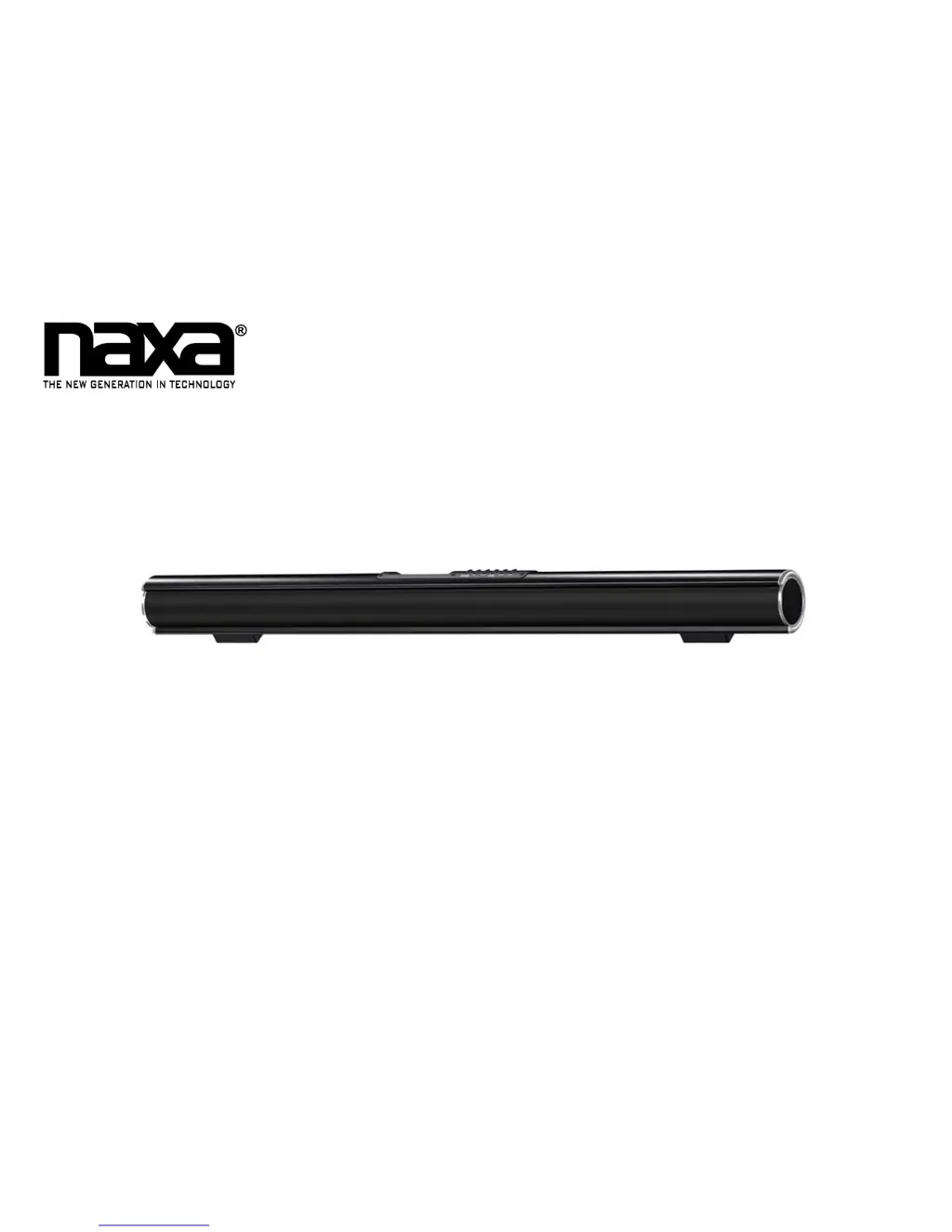
37” TV Sound Bar System with Bluetooth
®
NHS-2011
Instruction Manual
Please read carefully before use and keep for future reference.

Questions and Answers

  • A
    Alisha SmithJul 27, 2025
    What to do if my Naxa NHS-2011 has no sound?
    • S
      sandra90Jul 27, 2025
      If your Naxa Speaker System has no sound, ensure the volume isn't at the minimum. Increase the volume by pressing the VOL + button or try pressing the MUTE button on the remote. Also, confirm that the connected device is playing music or a movie, and its volume is adequately raised.
  • N
    Nicole ArroyoAug 3, 2025
    Why my Naxa NHS-2011 Speaker System has no power?
    • A
      Andrew BooneAug 3, 2025
      If your Naxa Speaker System isn't powering on, make sure the power adapter is properly connected. Also, check if the unit is in Standby mode; if so, press the Power button on the unit or the remote control to turn it on.
  • R
    Robert JensenAug 9, 2025
    How to fix a Naxa NHS-2011 remote control that is not working?
    • D
      Daniel RobertsAug 9, 2025
      If the remote control for your Naxa Speaker System isn't working, the batteries may be exhausted. Replace them with new batteries.
  • D
    Dustin GravesAug 14, 2025
    What to do if Naxa NHS-2011 doesn't respond from Bluetooth source?
    • D
      David WoodAug 14, 2025
      If your Naxa Speaker System isn't responding to a Bluetooth source, first ensure that the correct source is selected by pressing the POWER/ SOURCE button until the indicator turns blue. If that doesn't work: * Disconnect any other Bluetooth devices that might be connected. * Make sure the device you are trying to connect is activated and playing.
  • B
    Billy DonaldsonAug 20, 2025
    How to make AUX IN 1 / AUX IN 2 work on Naxa NHS-2011?
    • K
      kathrynwilliamsAug 20, 2025
      If AUX IN 1 or AUX IN 2 isn't working on your Naxa Speaker System, it might be due to the wrong source being selected. Press the POWER/ SOURCE button until the indicator turns violet for AUX IN 1 or orange for AUX IN 2.

Summary

Installing Your Sound Bar

How to Mount the Sound Bar to a Wall

Details on using the included wall mounting kit and necessary tools for safe installation.

Remote Control

Replacing the Battery

Battery Replacement Procedure

Step-by-step guide on how to replace the CR2025 battery in the sound bar's remote control.

Getting Started

Using Bluetooth Mode

Pairing a Bluetooth Device

Step-by-step guide to pair a Bluetooth device with the sound bar, including pass code information.

NFC One-Touch Setup

Using AUX IN 1 Mode

Using AUX IN 2 Mode

Using Optical In Mode

Warnings and Precautions

Important Safety Information

General safety guidelines and precautions for operating the sound bar safely.

Physical Precautions

Warnings related to ventilation, heat, flames, battery disposal, moisture, and accessories.

Troubleshooting Guide

Common Issues and Solutions

Lists symptoms like no power, no sound, or remote issues with their possible causes and solutions.

Naxa NHS-2011 Specifications

General IconGeneral
BrandNaxa
ModelNHS-2011
CategorySpeaker System
TypePortable Bluetooth Speaker
Power SourceRechargeable Battery
ConnectivityBluetooth, AUX
Color OptionsBlack, Blue, Red
Additional FeaturesMicrophone for hands-free calls

Related product manuals