EasyManua.ls Logo

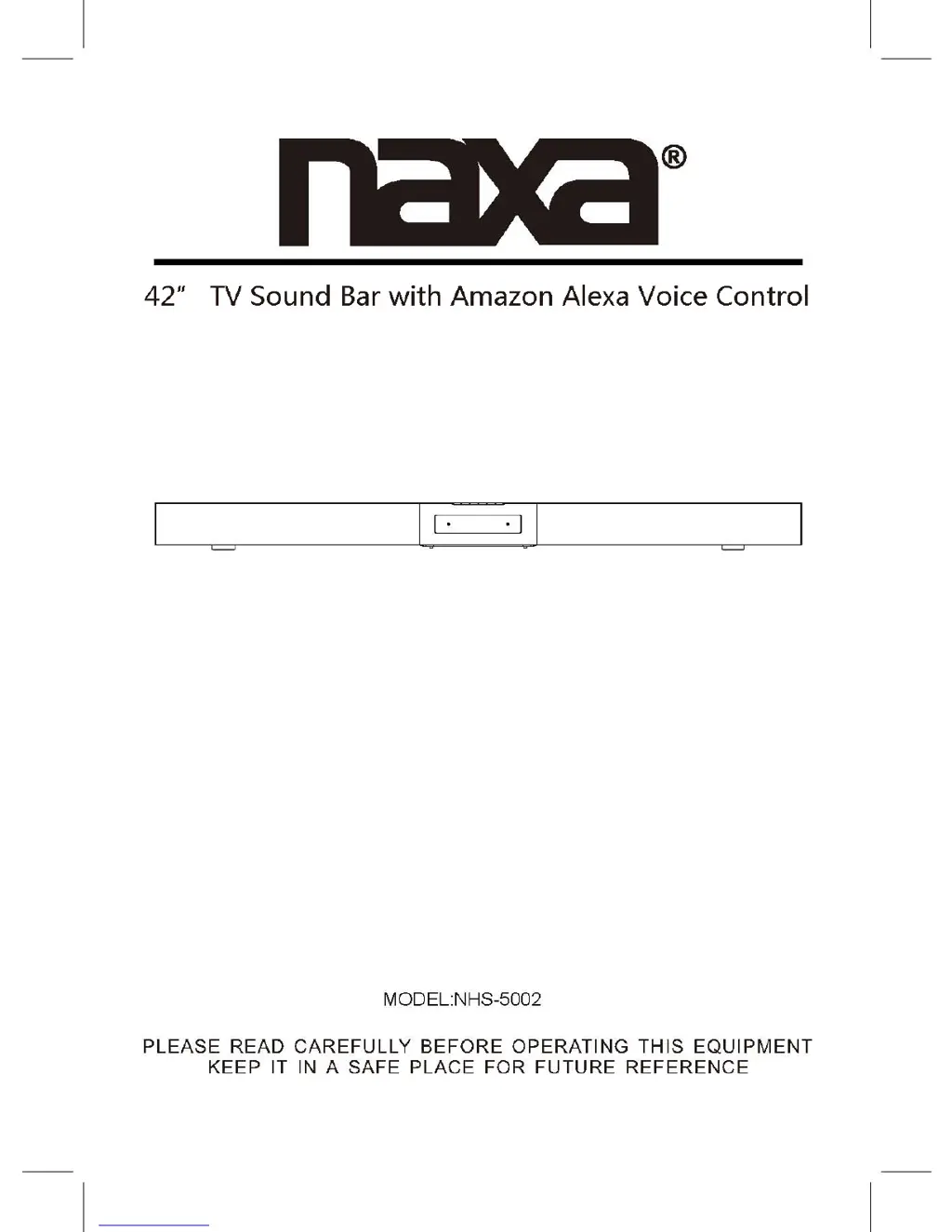
Naxa NHS-5002 - User Manual

Naxa NHS-5002
22 pages
Print Icon
To Next Page IconTo Next Page
Loading...

Other manuals for Naxa NHS-5002

Questions and Answers

  • F
    Frank BrownAug 10, 2025
    Why is the Bluetooth not functioning on my Naxa NHS-5002?
    • J
      jamesbarrAug 10, 2025
      If the Naxa Speaker System's Bluetooth is not functioning, it might be because the external Bluetooth device hasn't been paired with the unit. To resolve this, pair the external Bluetooth device to the unit. Also, ensure that the external Bluetooth device is not too far from the unit. If it is, place the external Bluetooth device closer to the unit.
  • J
    Jennifer HernandezAug 30, 2025
    How to fix no sound or weak sound on Naxa Speaker System?
    • J
      Jerry DickersonAug 30, 2025
      If you're experiencing no sound or weak sound from your Naxa Speaker System, the volume level of the paired or connected device may be too low. Increase the volume level of the paired or connected device.
  • M
    Matthew RamosSep 10, 2025
    What to do if the Naxa NHS-5002 has sound distortion?
    • M
      Miranda MartinezSep 12, 2025
      If you are experiencing sound distortion with your Naxa Speaker System, it is likely that the volume level of the connected or paired device is too high. Try reducing the volume level of the connected or paired device to resolve this issue.

Summary

Product Overview

Remote Control Guide

Remote Control Battery Installation

Battery Usage Precautions

Important safety guidelines and warnings for battery usage.

Placement and Mounting Instructions

Table Placement and Ventilation

Guidelines for placing the soundbar on a surface, ensuring adequate airflow.

Wall Mounting Guide

General Operation

Wi-Fi Setup Process

App Download and Installation

Instructions for downloading and installing the MUZO Player app for iOS and Android.

Initial Wi-Fi Connection Steps

Guides on initiating the Wi-Fi connection process with the speaker.

Wi-Fi Password Entry Method

Details on inputting the Wi-Fi password via the MUZO Player app for connection.

Wi-Fi WPS Connection Method

Steps to use the WPS button for connecting the speaker to the Wi-Fi network.

Wi-Fi Connection Status

Explains voice prompts and indicator status during and after a successful Wi-Fi connection.

Amazon Alexa Voice Control

Amazon Account Setup for Alexa

Instructions for creating an Amazon account and linking it for Alexa voice control.

Using Alexa Voice Commands

How to activate and use voice commands with Alexa for various functions.

Communication Indicator Status

Bluetooth Operation

Bluetooth Pairing Guide

Step-by-step instructions for pairing the speaker with Bluetooth devices.

FM Radio Operation

AUX IN 1 Operation

AUX IN 2 Operation

Optical IN Operation

Troubleshooting Guide

Common Issues and Solutions

Lists common problems like no sound, distortion, or BT issues with their solutions.

Naxa NHS-5002 Specifications

General IconGeneral
BrandNaxa
ModelNHS-5002
CategorySpeaker System
LanguageEnglish

Related product manuals