EasyManua.ls Logo

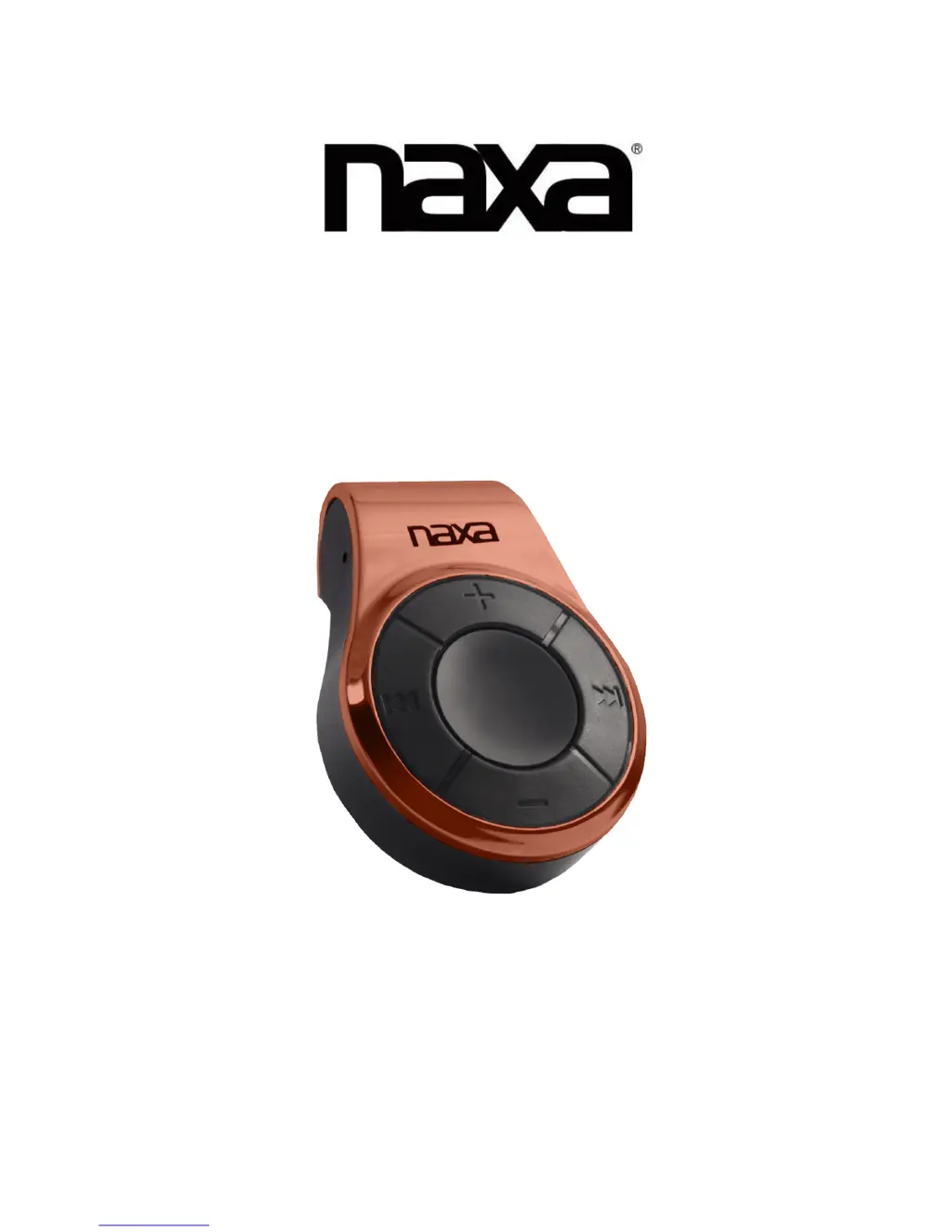
Naxa NM-107 - User Manual

Naxa NM-107
5 pages
Print Icon
To Next Page IconTo Next Page
Loading...
!
!
!
!
!
NM$107!
MP3!Player!with!4GB!Built$In!Flash!Memory
!
!
INSTRU C T IO N !MANUA L !
!

Questions and Answers

  • C
    Colleen ZimmermanAug 8, 2025
    What to do if my Naxa MP3 Player doesn't play sound through headphones?
    • I
      Ian FrostAug 8, 2025
      If you're not hearing sound from your headphones, try these steps: First, press the ‘+’ Volume button and ensure the headphone plugs are firmly connected. Then, check if the headphone plug is dirty. Finally, verify that your music files aren't corrupted, as corrupted MP3 files can cause static or cut off the sound.
  • D
    David NormanAug 23, 2025
    Why is my Naxa MP3 Player not downloading music files?
    • C
      Cody ParkerAug 23, 2025
      If your Naxa MP3 Player isn't downloading music files, check the USB cable for damage and ensure it's properly connected. Also, verify that the player's memory isn't full. Make sure you are only transferring WMA/MP3 files; other file formats are not supported.

Summary

Key Features

What Your Digital MP3 Music Player Includes

Computer System Requirements

Getting to Know Your MP3 Player

How to Transfer MP3 Songs to Your Player

How to Remove;Disconnect the Player from the Computer

Using Your MP3 Digital Music Player

Charging Your MP3 Digital Music Player

Troubleshooting

Naxa NM-107 Specifications

General IconGeneral
Model NumberNM-107
Storage Capacity8GB
MemoryBuilt-in 8GB Flash Memory
Supported FormatsMP3, WMA
FM RadioYes
Voice RecordingYes
USB ConnectivityUSB 2.0
BatteryRechargeable Lithium Battery
Display1.8" Color TFT Display

Related product manuals