Introduction$
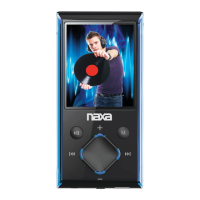
Thank you for purchasing the digital mp3 music player and USB memory device. This small, portable and light weight device can store up to 4GB allowing
you to enjoy hours of your favorite MP3 songs on the go.
Please read this manual carefully before using your new player.
We reserve the right to make changes to this manual without prior notice.
Caution: Please use caution when using the Digital MP3 Player with the supplied Earphones while Riding a Bicycle, motor cycle, a motor
vehicle, operating machinery, etc. as this can be extremely dangerous. Please check your Laws & use your discretion, to ensure proper safe
usage, & to avoid accidents and/or injury.
Key Features
• Supports WMA/MP3 audio format
• USB disk with no driver required
• 4GB of internal memory
• Small, Portable and light weight
• Adjustable Clip
• Rechargeable Lithium Battery
What your Digital MP3 Music Player includes
• MP3 Player
• Earphones
• USB cable
• User Manual
Computer System Requirements
Microsoft Windows 2000/XP/Vista
• Pentium® 4, Celeron® AMD, Athlon® processor or higher
• 128MB RAM
• 100MB free hard drive space
• Available USB Port
Macintosh OS
• Mac G3 or higher
• 128 MB RAM (256 MB recommended)
• 100 MB free disk space
• Available USB port
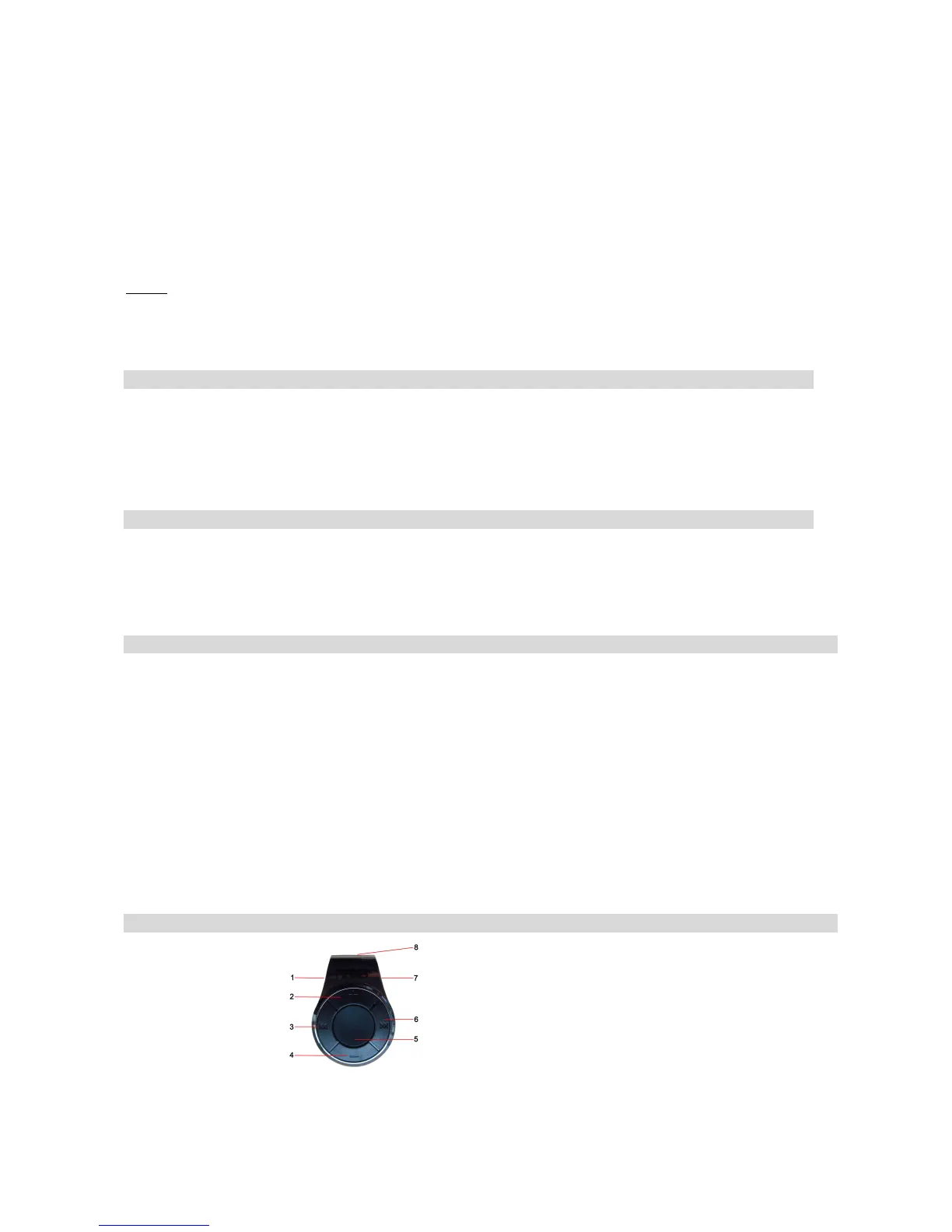
Getting to Know Your MP3 Player
1. Reset;
2. Volume +
3. Previous Song
4. Volume -
5. Play / Pause Button
6. Next Song
7. Headphones input & USB port
8. Adjustable Clip



 To Next Page