EasyManua.ls Logo

NCE LED24TV - DVD Operation

Default Icon
38 pages
Print Icon
To Next Page IconTo Next Page
To Previous Page IconTo Previous Page
Loading...
AID
Operation
DVD Operation
1. DVD Operation
To
select
DVD
press
the
SOURCE
button and
using
the •/•buttons select
DVD
and
press
OK
Insert
a
DVD
disc with
the
label
FACING FORWARD.
Inserting
a
disc incorrectly
may
cause
damage
to
the
Laser
Optic Do NOT
place
any
damaged, dirty
or
disc
not
12
cm
in diameter
into
the loader.
The
mechanism
will draw the disc in
automatically.
In
most
cases
the
DVD Title
will be displayed together with
a
Disc
menu.
Select
the
feature
required
with
the
cursor
buttons
and
press
PLAY/Pause.
pf
To Pause
play,
press
the
Play/Pause
button,
press again
to continue
playing
To
Stop
playing
press
•Press
once
to
pre
stop,
if
the
disc is
not
removed the player will
continue
from
the "stopped" point, when play
is
pressed.
Pressing STOP
again
will
fully
stop
the player.
2.
DVD Setup Menu's
To
set
the
DVD
section to
your
requirements
a
series
of
menu's
are
provided.
With
no
disc
in
the player,
press
the
DVD
SETUP
button
on
the
remote
control,
you
will
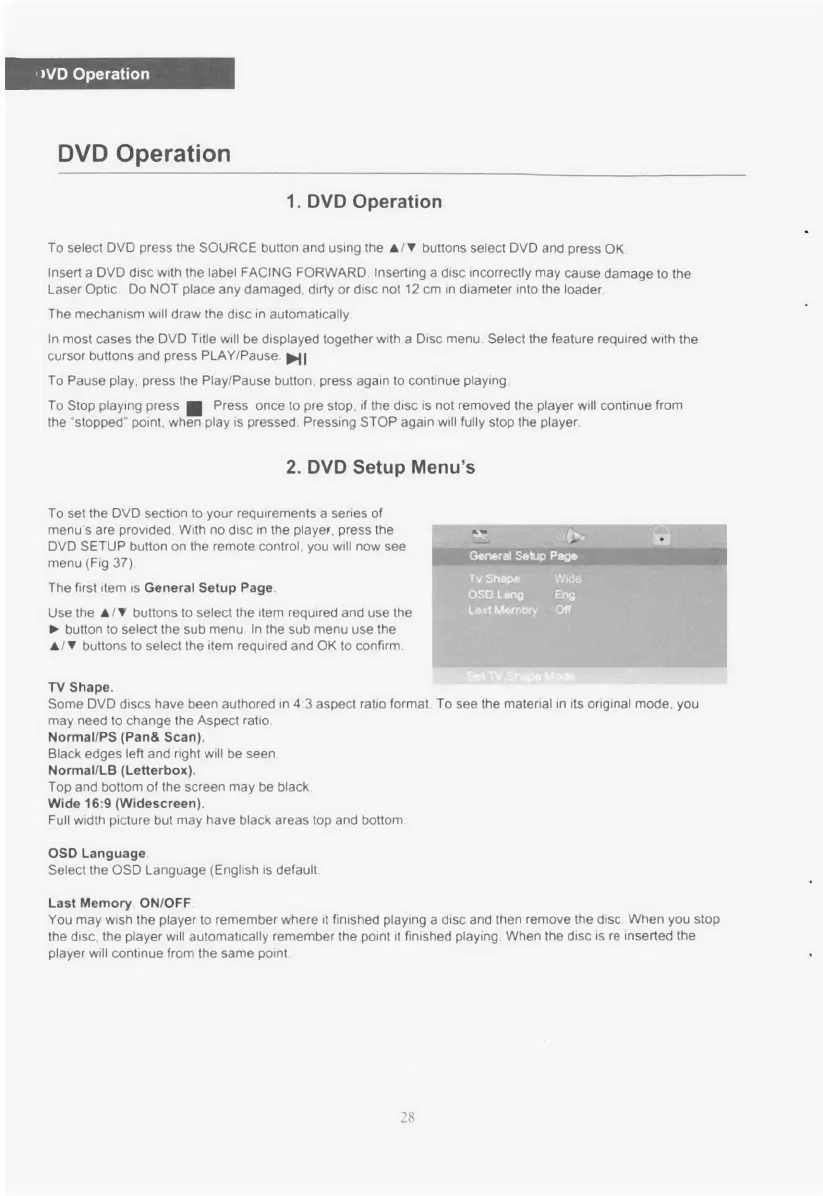
now see
menu
(Fig 37).
The first
item
is
General Setup Page.
Use the •/•buttons
to
select
the
item
required and
use
the
I.
button
to
select the sub
menu
In
the
sub
menu use
the
•/ buttons
to
select
the
item required and
OK
to
confirm.
TV Shape.
Some DVD
discs have been
authored
in
43
aspect
ratio
format. To
see
the material
in
its
original mode,
you
may
need
to
change the
Aspect
ratio
Normal/PS
(Pan&
Scan).
Black edges
left
and right will be
seen
Normal/LB (Letterbox).
Top
and bottom
of
the
screen may
be black
Wide 16:9 (Widescreen).
Full
width
picture
but
may
have black
areas
top
and bottom
OSD Language
Select
the
OSD
Language
(English
is
default
Last
Memory ON/OFF
You
may
wish the
player to
remember where
it
finished
playing
a
disc and then
remove
the disc.
When
you
stop
the disc, the player will
automatically
remember the
point it
finished
playing.
When
the
disc
is re
inserted the
player
will
continue
from the
same
point.
28

Related product manuals