Model 7800 Family Weight Classifiers User’s Manual
7
Initial Setup
Factory default settings: 9600 baud, 7 data bits,
even parity, 1 stop bit.
Standard 9-pin pass through RS-232 interface
cable included. Not a null modem.
RS-232 bidirectional, configurable 1200 to 19.2K
baud. Transmits weight and scale status when-
ever ASCII “W” <CR> is sent by a remote device.
1. Remove contents of the shipping container.
2. Inspect the scale for evidence of shipping
damage. Immediately report any damage to
the shipper.
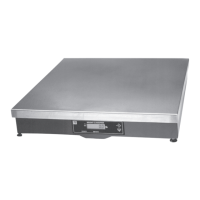
1. Mount the scale on a stable, level surface
that is free from air currents and vibration. Be
sure the scale platter does not touch any
adjacent surfaces.
2. To install the scale surface flush with a
countertop, use the dimensions on the
following page to guide construction.
Communications
Unpacking the Scale
Installing the Scale


 To Next Page