21
5.4 Settings
5.4.1 TRIP DISTANCE
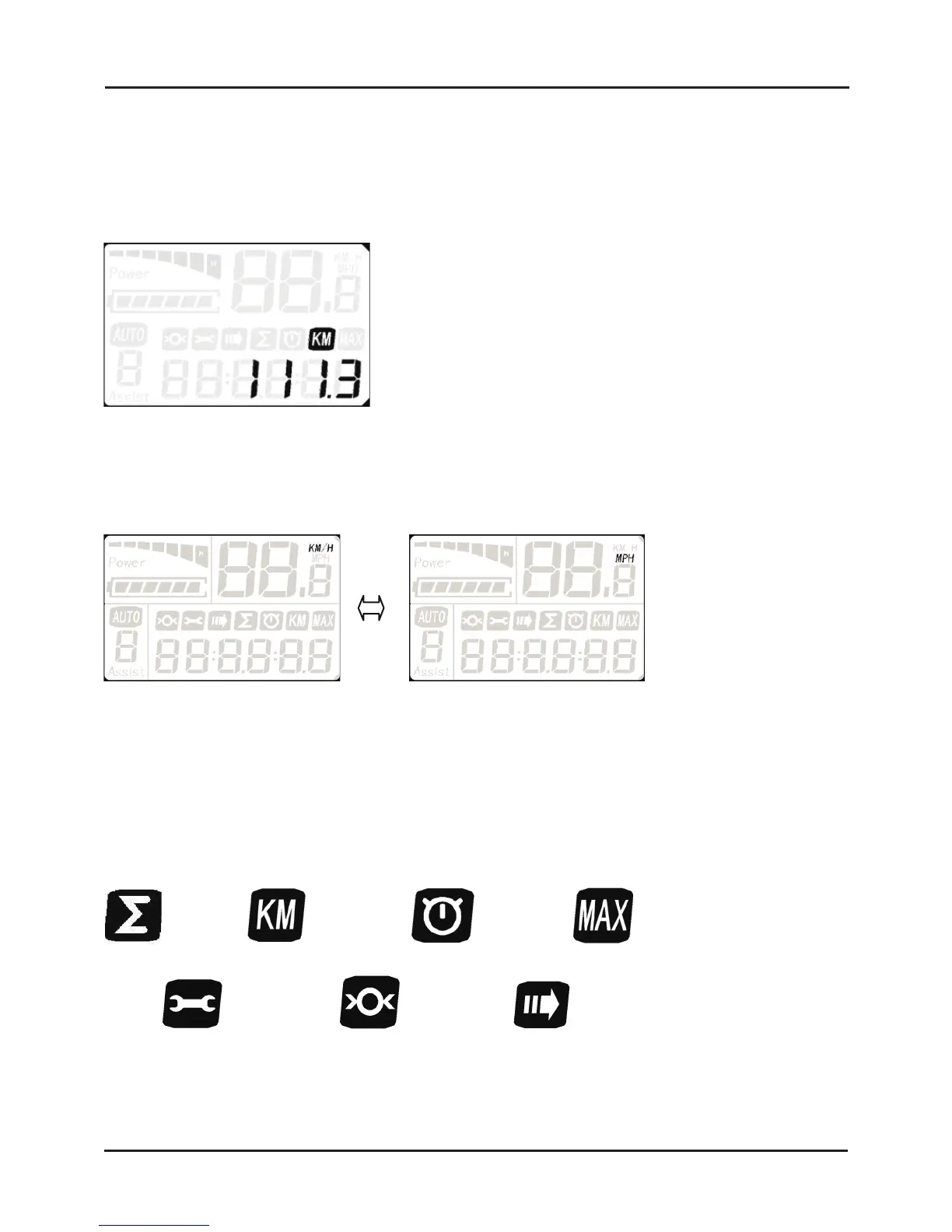
Trip distance records the riding distance for the current session. It is displayed as below. Holding UP (+) for 2 seconds will
make trip distance data flash at 1Hz and holding UP (+) for 2 more seconds will reset the indicator.
5.4.2 KM/H & MPH
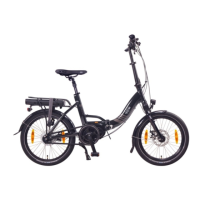
Hold UP (+) for 8 seconds to enter the KM/H and MPH selection mode, then press UP (+) or DOWN (-) to switch between
KM/H and MPH and M to confirm and exit.
5.5 Additional Indicators
5.5.1 GENERAL
With the display on, press M to change the information that is being displayed. The data that can be shown on the display
is:
wheel size auto displayerror code
ODO
Max Speed
Trip Distance Riding Time
NCM
PRAGUE 36V
DISPLAY


 To Next Page