20
DISPLAY
NORMAL VIEW AREA
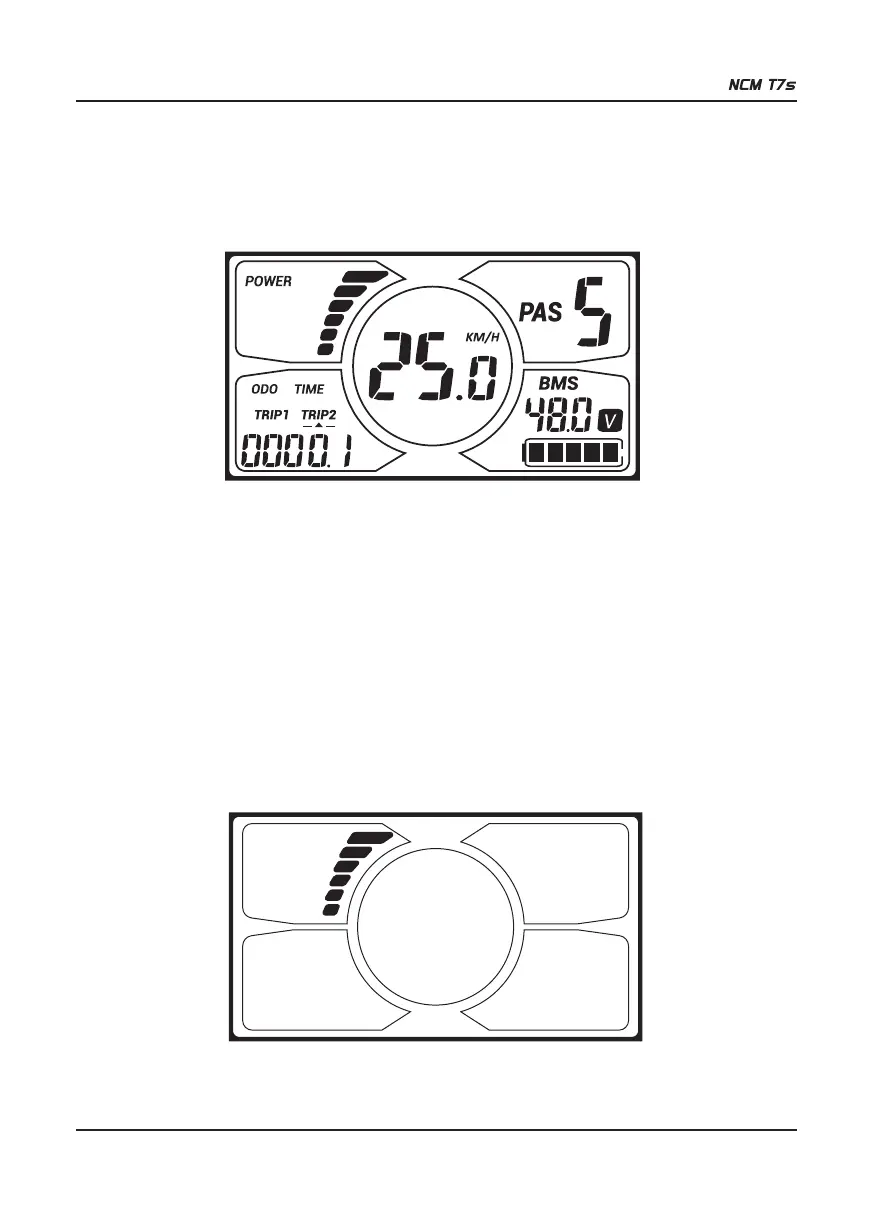
With the display on, the default indicators are current indicator, trip 2, speed, PAS level, and battery indicator as shown in
the figure below.
Press SET to change the display information.
Section 1: ON/OFF
Press ON/OFF to activate the display. With the display on, press ON/OFF for 2 seconds to turn off power. With the
display off, there is no battery power consumption.
※ The panel will power off automatically when speed is 0km/h for 5 minutes.
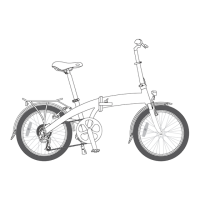
Section 2: CURRENT INDICATOR
The current indicator shows the present discharging current of the controller.
(The bar graph shows the power output of the motor in real time. 1 bar indicates low power, full bars maximum power.)


 To Next Page