21
DISPLAY
Section 3:
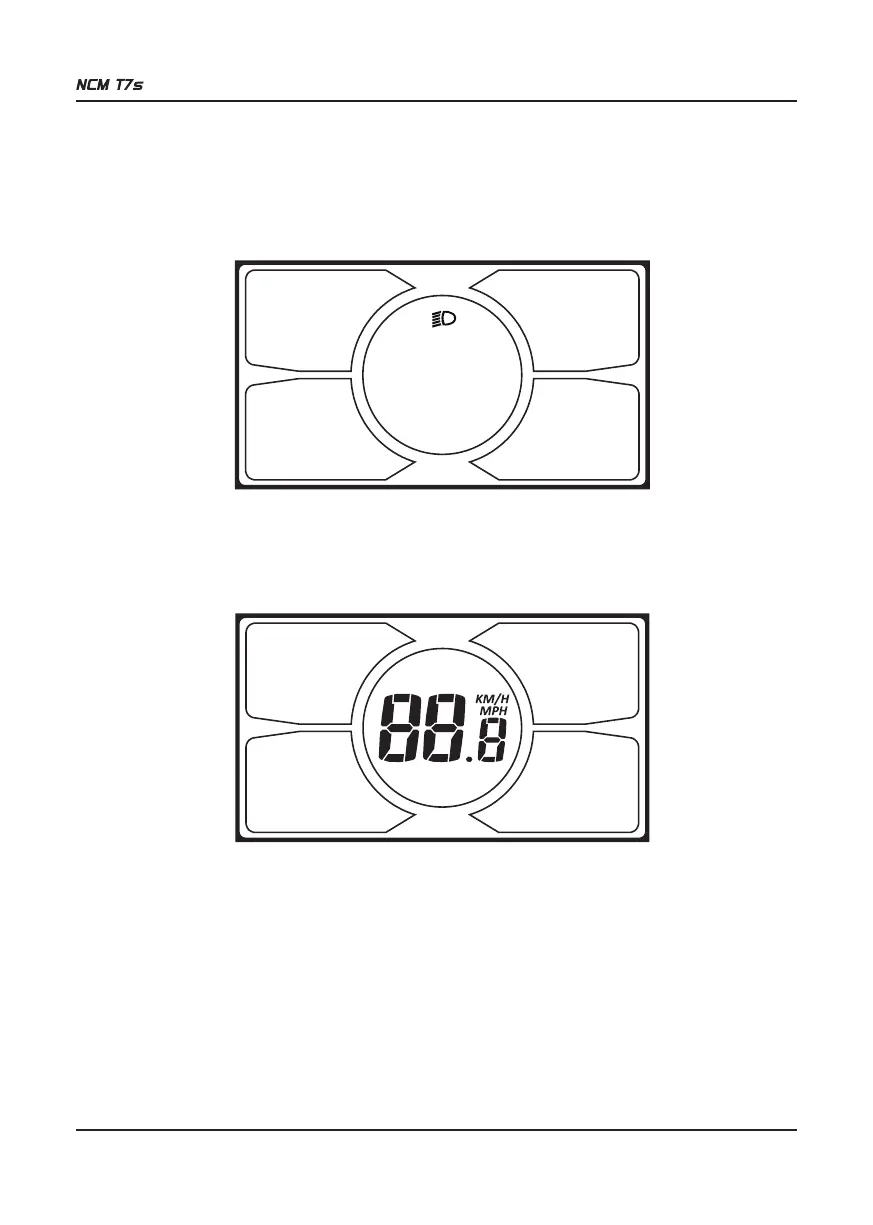
3.1 BACKLIGHT, HEADLIGHT AND TAILIGHT
Press ON/OFF to turn on the backlight, headlight and tailight. Press it again to turn off the backlight, headlight and
tailight.
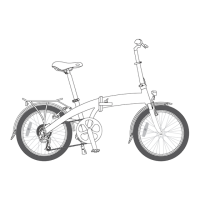
3.2 SPEED INDICATOR
The central area displays the current riding speed of the E-bike. The speed display is as below.
3.3 KM/H and MPH
Selecting KM/H or MPH for the speed and mileage will switch all indicators to the selected unit of measurement. Hold
UP (+) for 8 seconds to enter the unit of speed selection mode, then press UP (+) or DOWN (-) to switch between KM/H
and MPH and press SET to confirm and exit.


 To Next Page