22
DISPLAY
3.4 WALK MODE
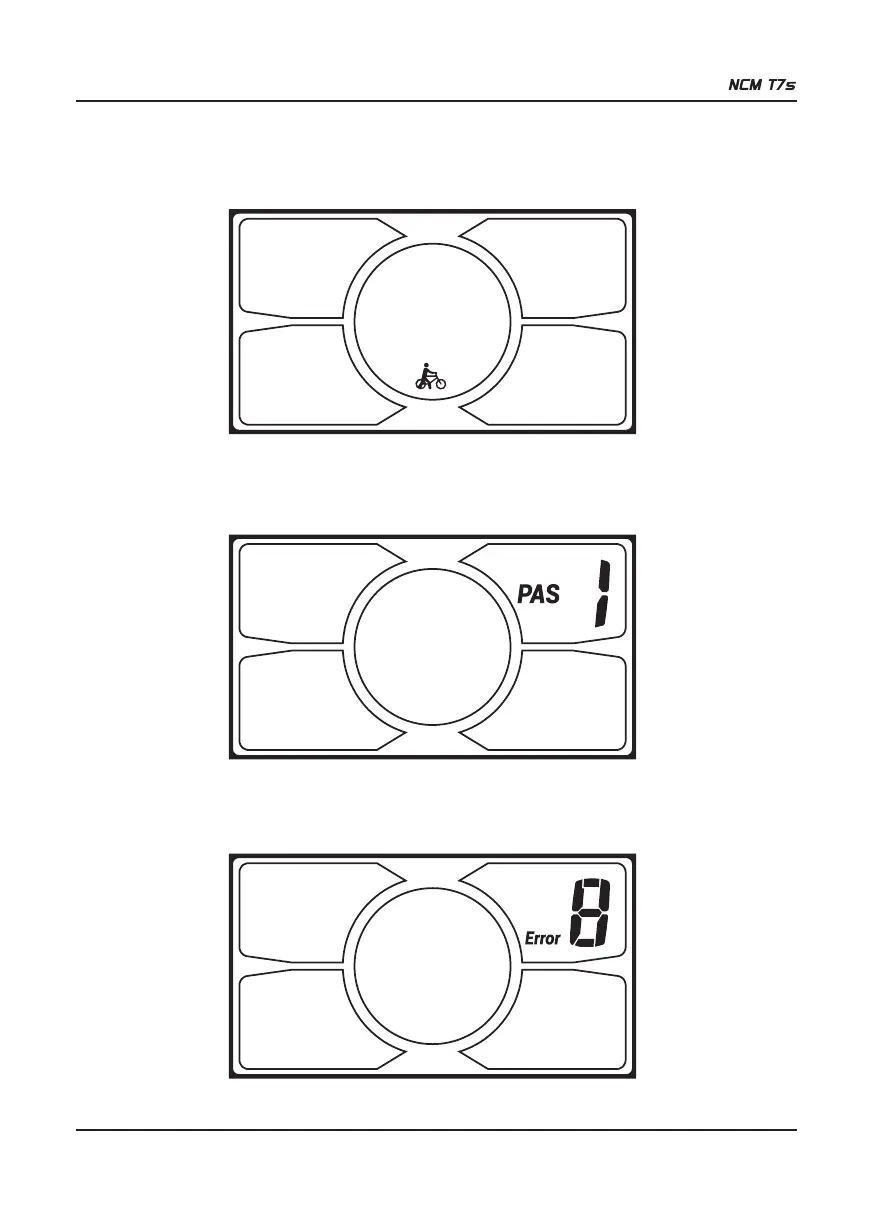
Hold DOWN (-) for 2 seconds to enter the power-assisted walk mode. When the icon is lit, the E-bike will travel at 6km/h
without the need for the rider to pedal. Assisted walk mode will cease when the button is no longer being pressed.
Section 4:
4.1 PAS LEVEL SELECTION
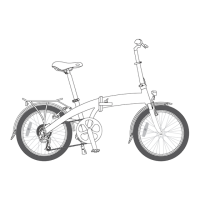
Press UP (+) or DOWN (-) to change the PAS level and thus change the power output of the motor. The default mode is
PAS 1 and assistance ranges from level 0 to level 5. Level 0 provides no assistance from the motor.
4.2 ERROR CODE INDICATOR
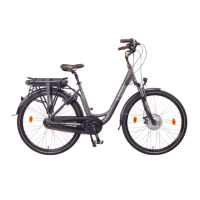
If there is something wrong with the electronic control system, the display will flash at 1Hz and show the error code
automatically. Different error codes represent different faults in the system, consult the error code table on the last page
for details(5.3).


 To Next Page