21
Certain content cannot be cast on Nebula Capsule 3 Laser
due to copyright restrictions. You can stream the content via
the same app installed on your projector.
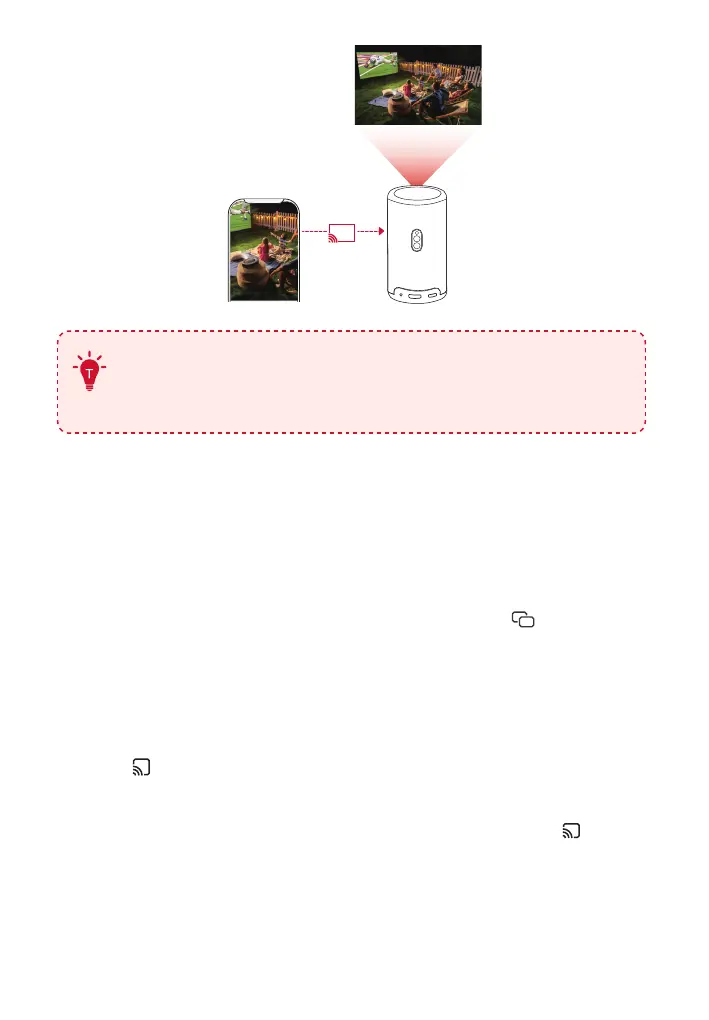
3.2 Cast Device Screen
You can cast the entire screen from your device to the projector.
Before that, please ensure Nebula Capsule 3 Laser and your device are
connected to the same wireless network.
• For iOS devices:
1. Access the Control Center of your device and click .
2. Click on "Nebula Capsule 3 Laser" in the device list.For Android
devices:
• For Android devices:
1. Enter Google Home APP and select "Nebula Capsule 3 Laser".
2. Tap on the page.
• Streaming Services:
1. Enter streaming service APP and tap the Airplay icon or .
2. Click on the name of your NEBULA device in the device list:
"Nebula Capsule 3 Laser".
• With Nebula Cast APP:
1. Connect your device and projector to the same wireless network.



 To Next Page