24
7. Bluetooth Speaker Mode
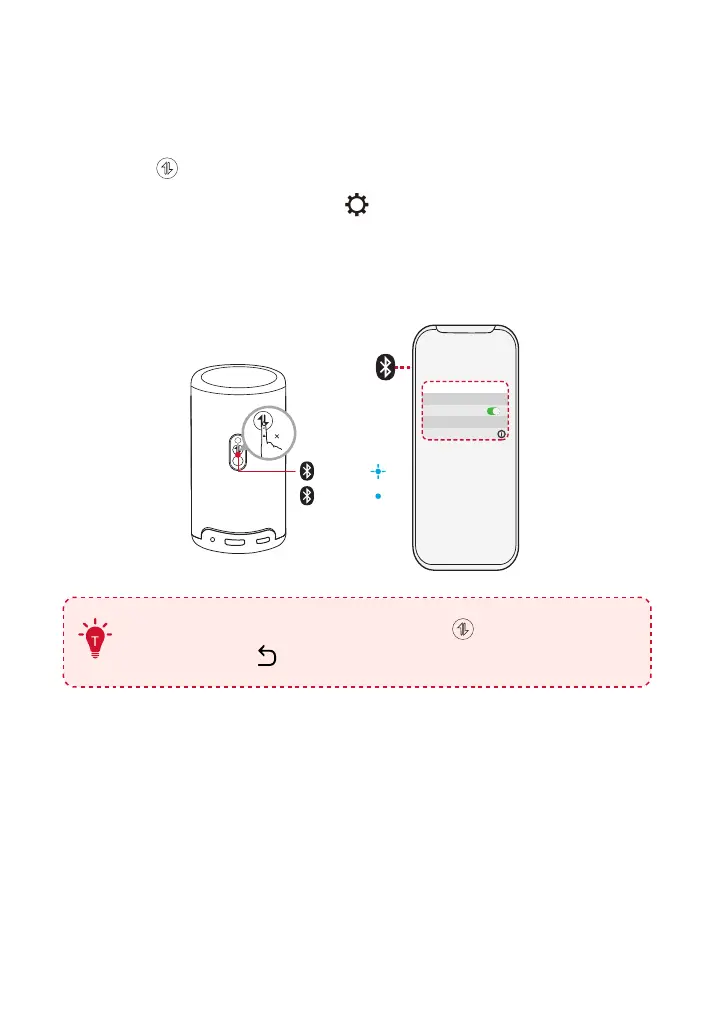
You can use this projector as a standalone Bluetooth speaker.
①
To switch to Bluetooth speaker mode, you have two options:
A: Press on the projector.
B: On the home page, select >Settings > Display & Sound >
Sound > Turn on the Bluetooth Speaker Mode.
②
Enable Bluetooth on your smartphone and select Nebula Capsule 3
Laser to connect.
1
< Settings Bluetooth
Nebula Capsule 3 Laser
Bluetooth
Connected
Device
Pairing
Connected
To exit Bluetooth speaker mode, press on the projector or
press and hold on the remote for two seconds.



 To Next Page