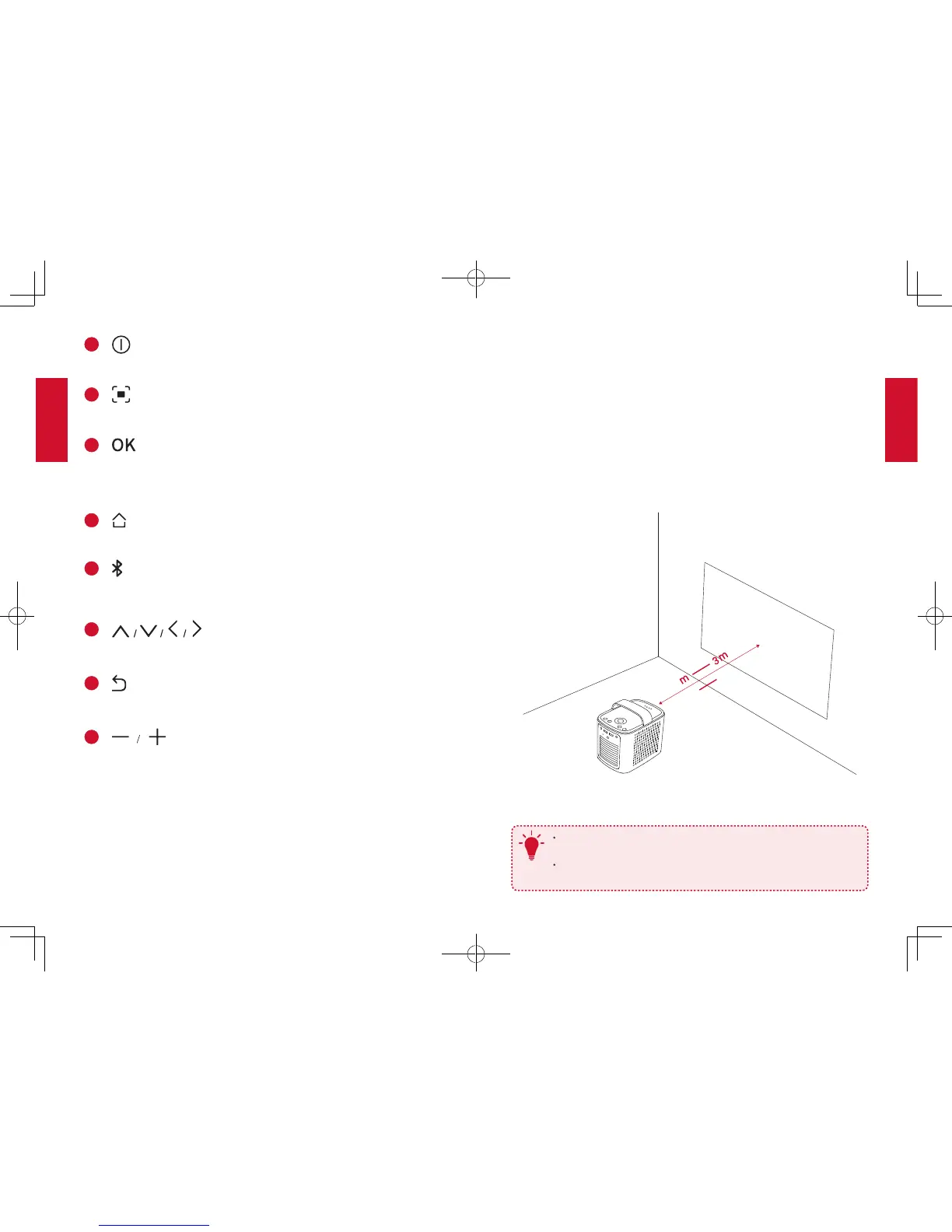
• Press to confirm a selection or entry
• Press and hold to adjust focus
• Pause / resume during play
• Volume down / up
GetStarted
1. Placement
Place this device on a stable, flat table in front of the projection surface.
For best results, the projection surface shall be white and flat. The
distance between the device and the projection surface must be a
minimum of 1 meters (39.4 inches) and a maximum of 3 meters (118
inches).
39.4”
1
118”
T
It is unnecessary to tilt it towards the projection surface. You can
correct the projection image with the built-in keystone correction.
The distance between the device and the projection surface
determines the projection image size.


 To Next Page