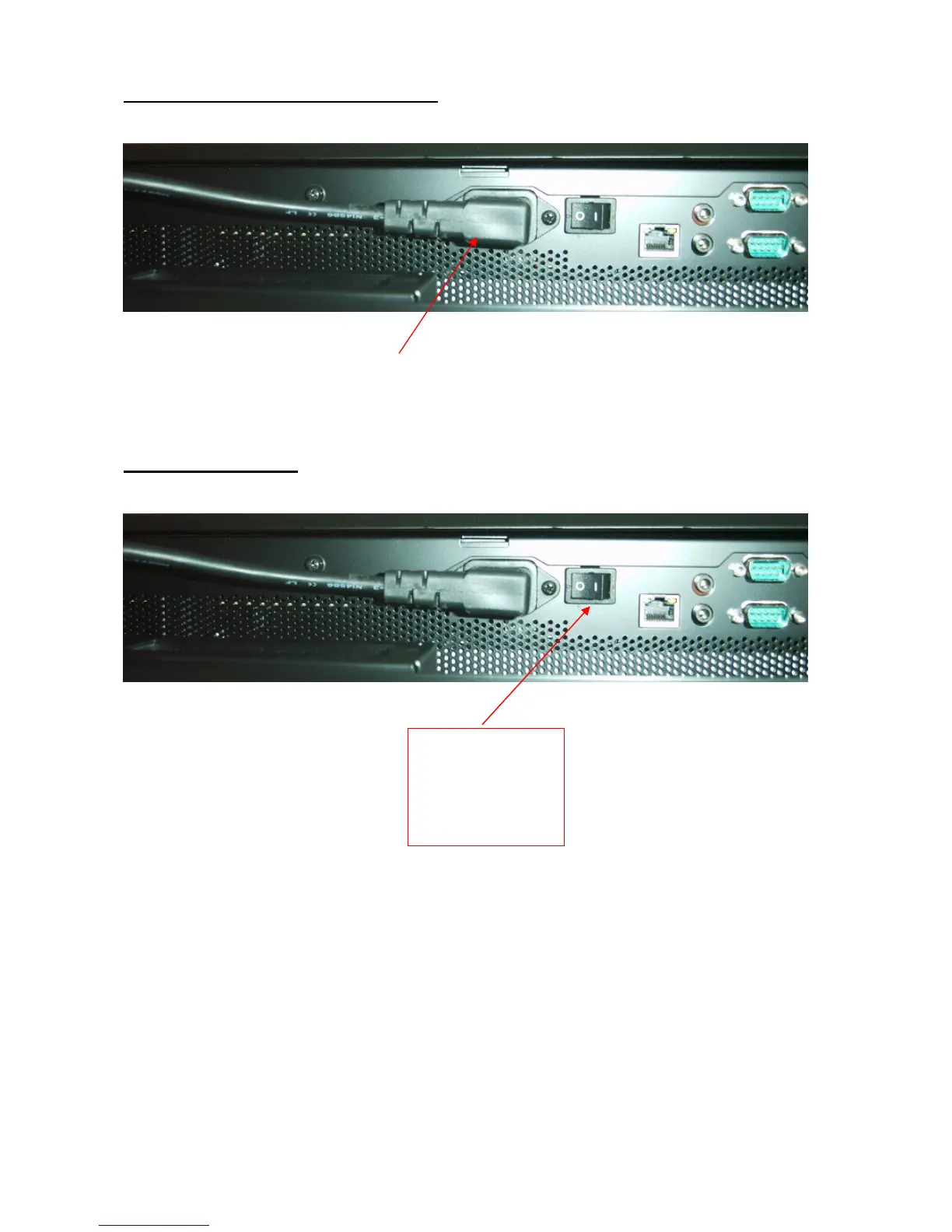
Fitting the mains input cable to the screen
The chosen mains input lead should be fitted before mounting the screen on the wall.
The cable can be lead out down the side of the screen.
Powering on the screen
To start the screen, press the black switch forward, (
I
) a click will indicate the switch has been
pressed, wait a few moments for a second click, the Embedded PC computer and the screen will
initialise.
No further user intervention should be necessary, as the screen is shipped in a configuration such
that the artwork animation will start operating automatically, after a short period as soon as the
PC computer has completed its initialisation.
See Trouble Shooting Guide if artwork animation fails to start operating. (See page 10)
Press the BLACK
switch forward to
switch on (
I
)
Press backwards
to turn off ( 0 )



 To Next Page