©2019 NEC Australia Pty Ltd
10
Commercial in Confidence
Voicemail setup
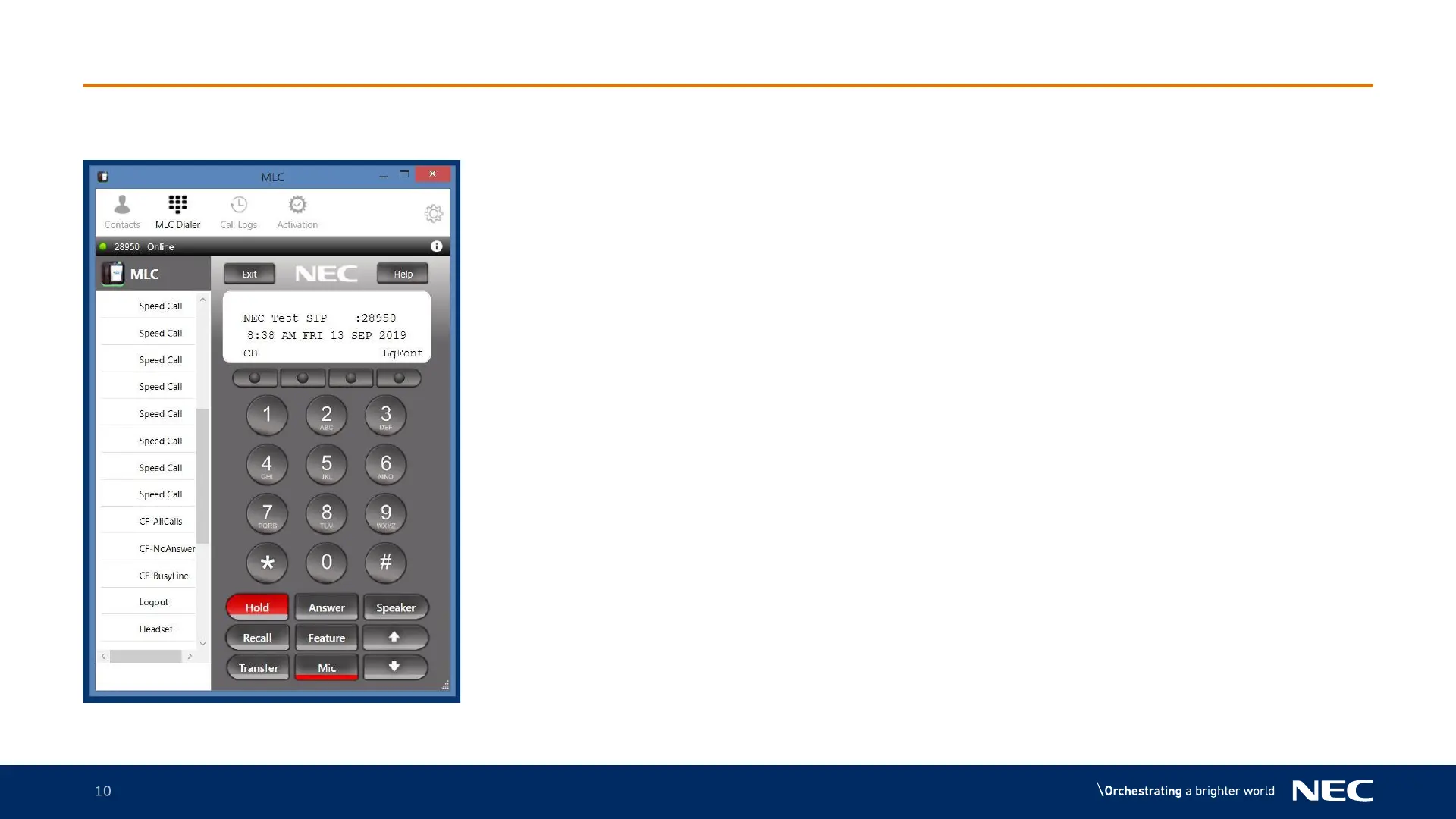
1. Dial 98900 and press the speaker button
2. Your default password is 0000
3. You will be requested to select a new password
(from 4 to 16 characters)
4. Follow the instructions on the phone
5. Once complete your voicemail is setup



 To Next Page