16
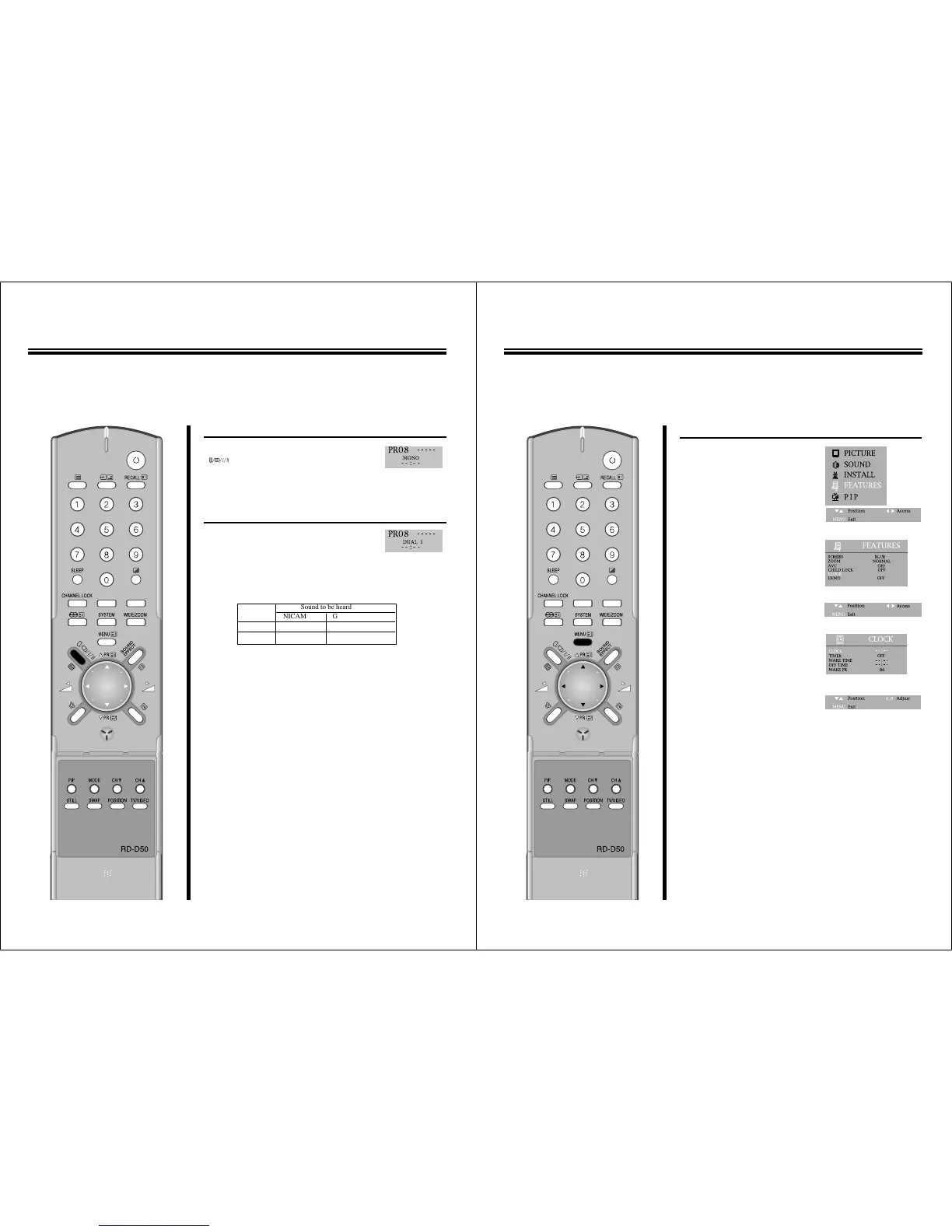
STEREO PROGRAMS
Press the STEREO
/
BILINGUAL SELECT
( )button to select to nicam-
stereo
/
mono mode.
BILINGUAL PROGRAMS
1.When a bilingual program is received
DUAL 1, DUAL 2 appears.
2.Press the STEREO
/
BILINGUAL SELECT button to be heard.
The sound differs according to transmission system : DUAL 1 and
DUAL 2 appear cyclically on the screen.
ENJOYING STEREO AND BILINGUAL BROADCASTS
M The unit receivers both stereo and bilingual broadcasts transmitted in either the NICAM or
German stereo
/
bilingual broadcasts system.
17
TO SET CLOCK
1.Press the MENU button to select
the FEATURES and then to be
displayed on the right
appearance.
2. Select the CLOCK with PR y
/
x
buttons.
3.Press the C
/
B buttons to activate
the hour or the minute and preset
the hour or minute with the
direct(0~9) buttons.
USING OTHER MENUS



 To Next Page