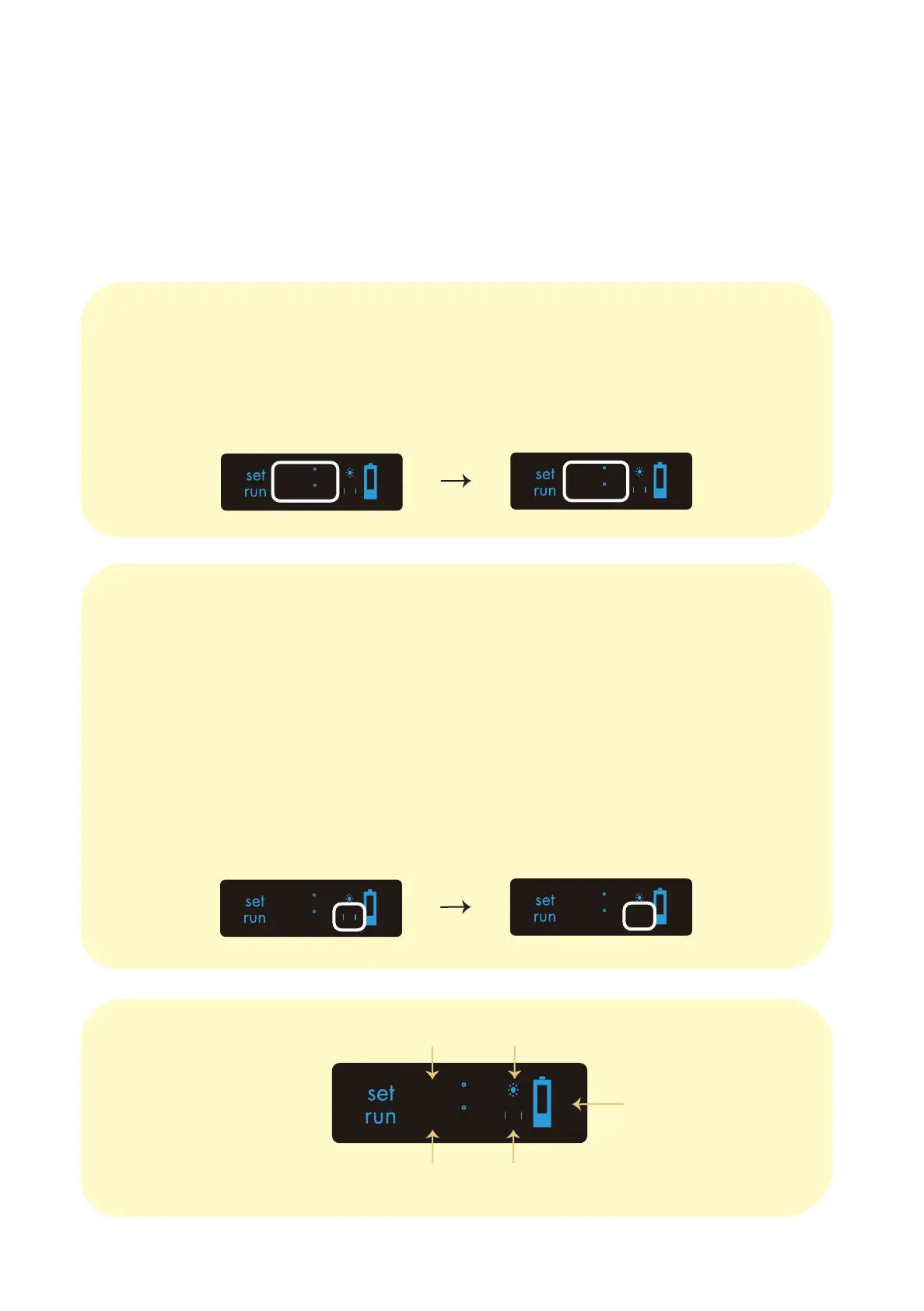
To toggle the vibrate function on and off, press and hold the ‘up’ button for 3
seconds.
Your device vibrates when turned on/off and also when the safety function is activated:
If your device is left untouched for more than 60s whilst turned on, the tempera-
ture will automatically begin to drop to 120°C (it will vibrate to notify you). The
device will begin to increase its temperature once picked up again.
Operating Guide: Toggles & Indicators
Run Temperature
Vibrate On
Set Temperature Heating Icon
Battery Power
5 : 00
240°C
187°C
8
To toggle the temperature setting between Celsius and Fahrenheit, press and
hold the ‘down’ button for 2 seconds.
C
C
225
25
C
C
200
25
F
F
392
77
C
C
225
25
C
C
225
25
Temperature Units
Haptic Feedback


 To Next Page