11 12
Before sterilising your device, ensure it has been
sufficiently charged (see page 4). If sterilising after a clean,
ensure your parts have been wiped dry with a clean cloth before
proceeding to the next step.
Prepare for Sterilising
Sterilising in 3 steps
01
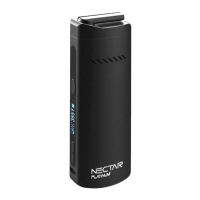
Set your vaporizer to the maximum temperature (240°C) by holding
the temperature ‘up’ button until your desired temperature is
reached. See Page 5 for more information.
Setting your temperature
02
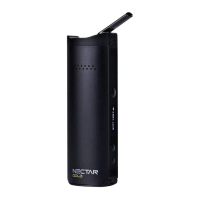
Allow the device to heat for 5 minutes with an empty chamber in
order to sterilise it. The device has a built in 5-minute timer and
hence it will turn itself off once the sterilisation process in complete.
Repeat this step twice. Once without the cooling unit detached and
once with the cooling unit attached.
Sterilising
03
Note: Isopropyl Alcohol (ISO) evaporates faster than water therefore any ISO on your vaporizer
should evaporate within a minute or so after cleaning, however it is still good practise to
sterilise your vaporizer after each clean.


 To Next Page