After using the device allow it to cool down before storage. Store it in a dry
and cool place to protect it against the effects of weather and avoid damage
to the battery. Store out of reach of children.
Operating Guide: Charging
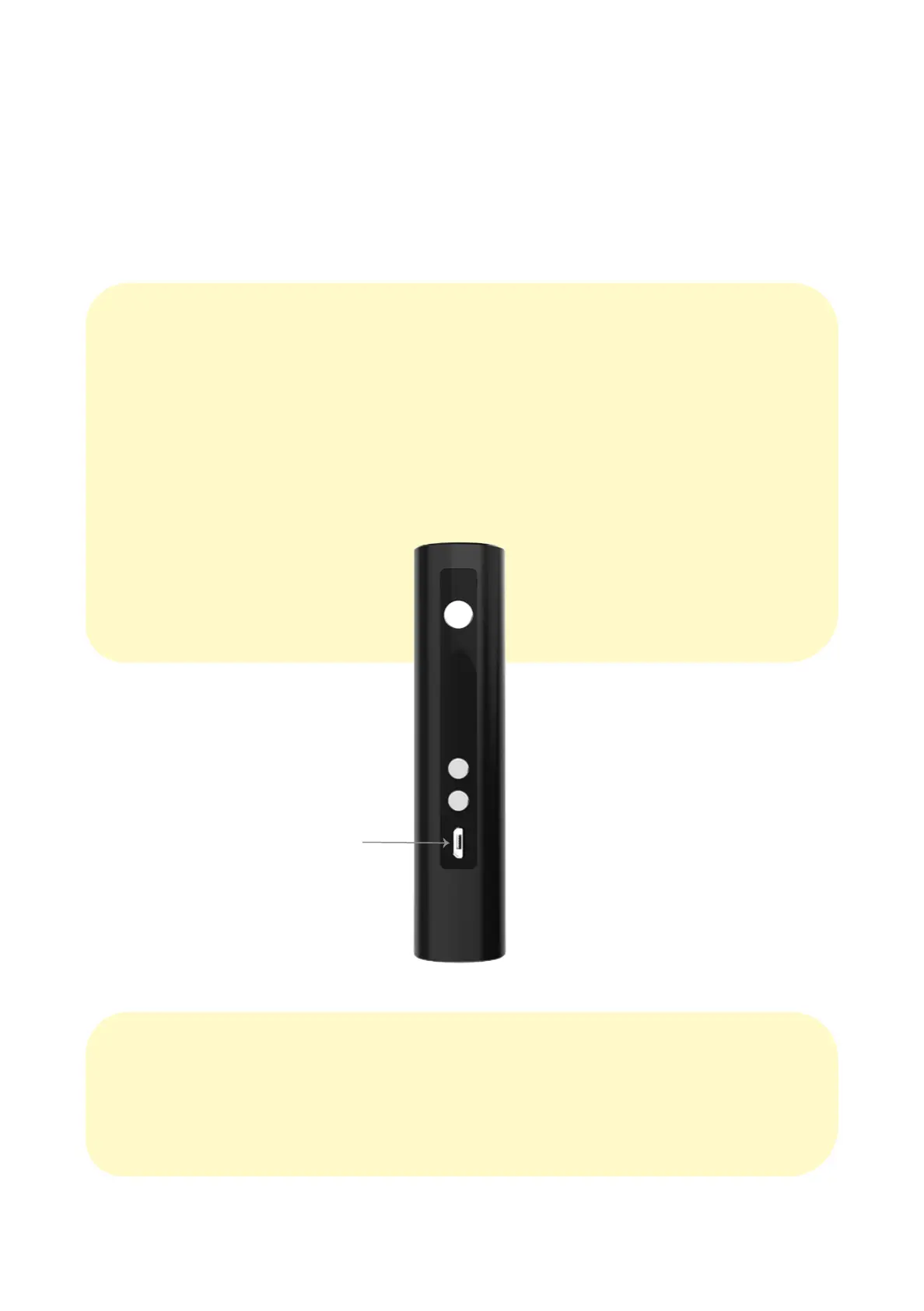
It is recommended to charge your Nectar v2 for 1 hour before its first use.
When charging, the OLED screen will turn on and show the battery charging
gauge which will blink whist charging. The OLED screen will indicate a full
gauge and will stop blinking when the battery is fully charged.
Note: Avoid overcharging to protect and extend the battery life.
4 5
Charging Time: 2 hours
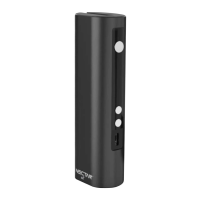
Charging Port


 To Next Page